📝 Headline — both stories look unchanged vs untouched staging
Measured like-for-like against untouched staging (same self-built 4-activity throwaway graph, same 2048×1018 window):
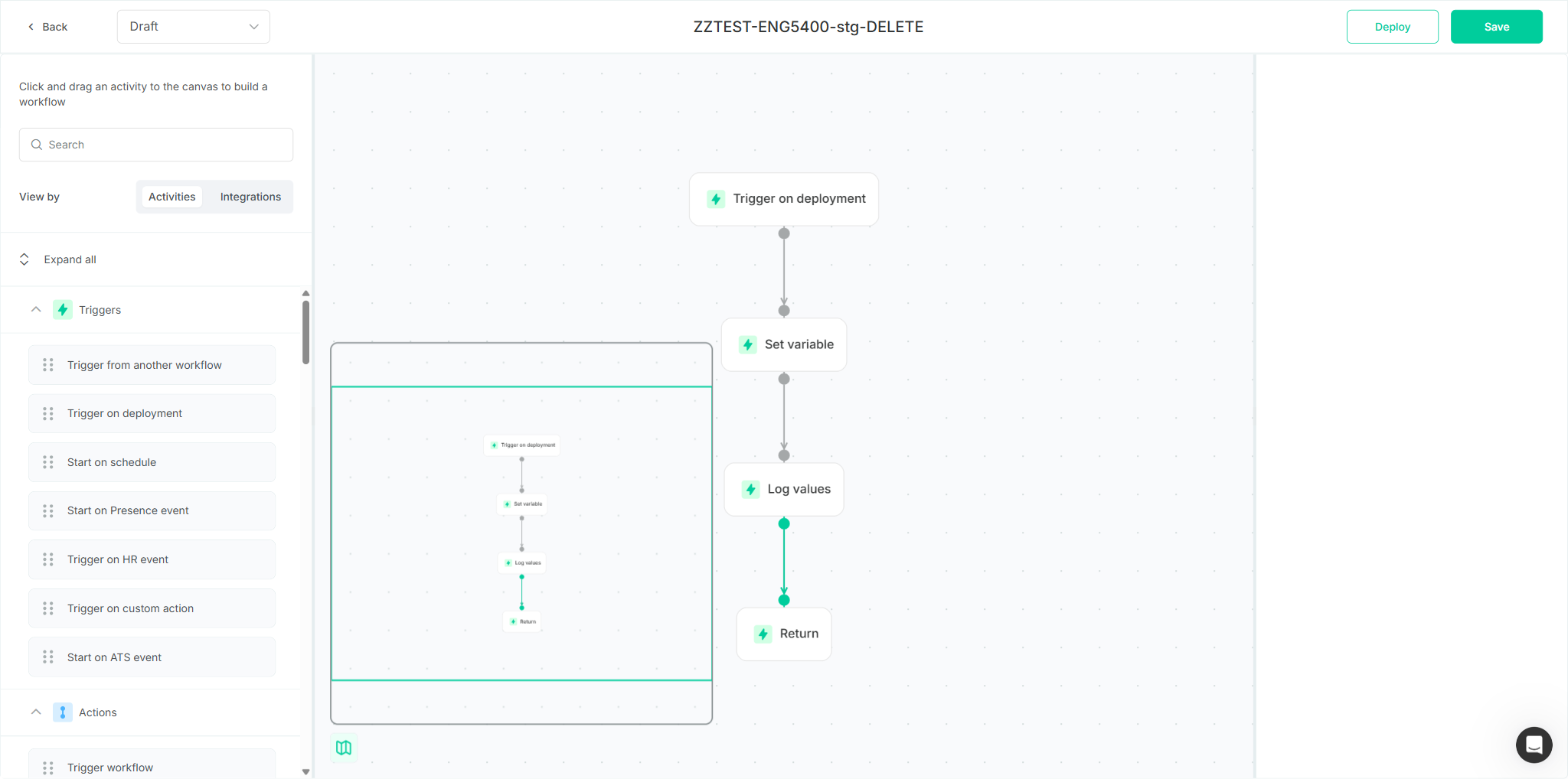
- ENG-5400 (map): map module is
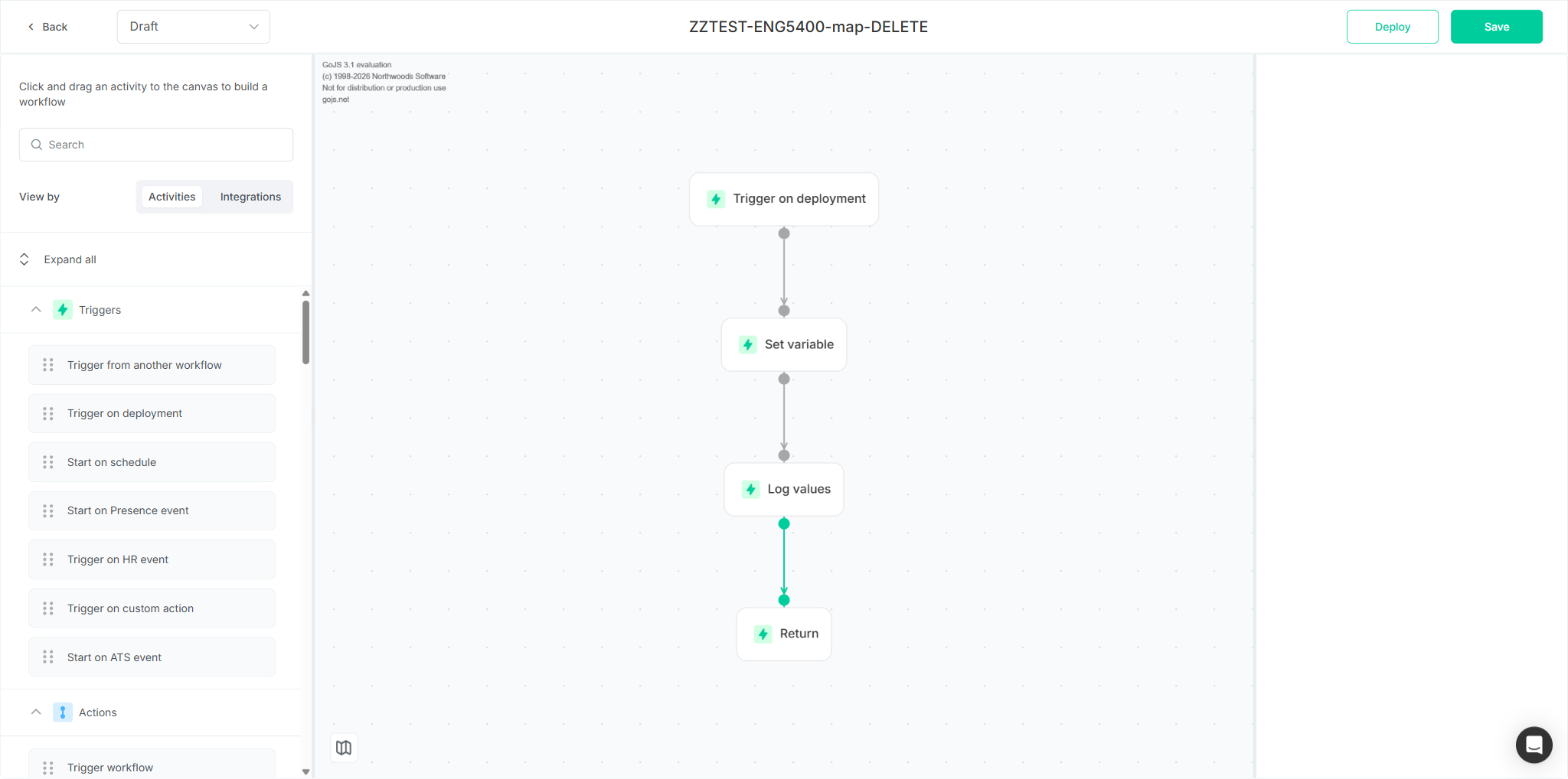
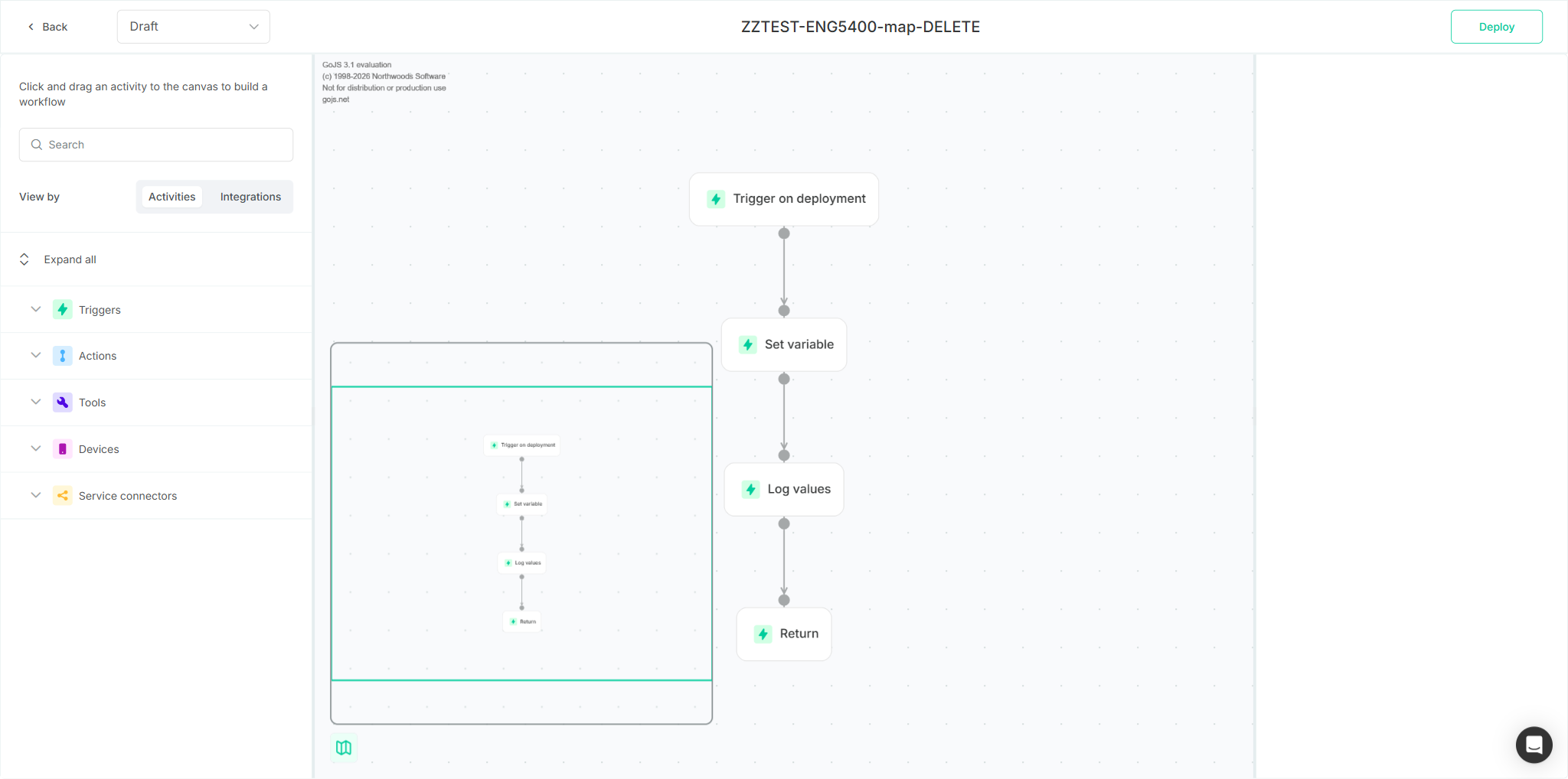
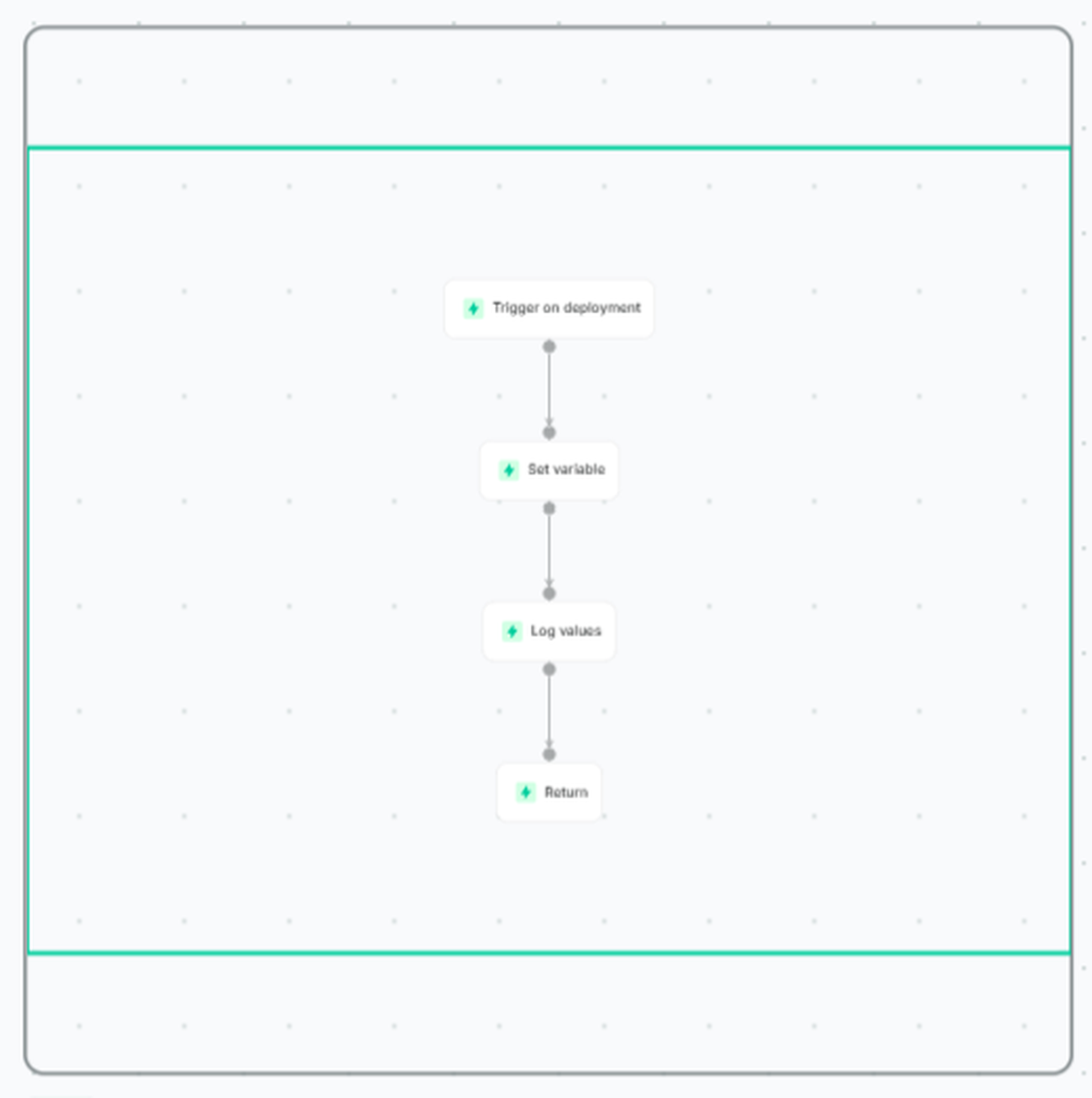
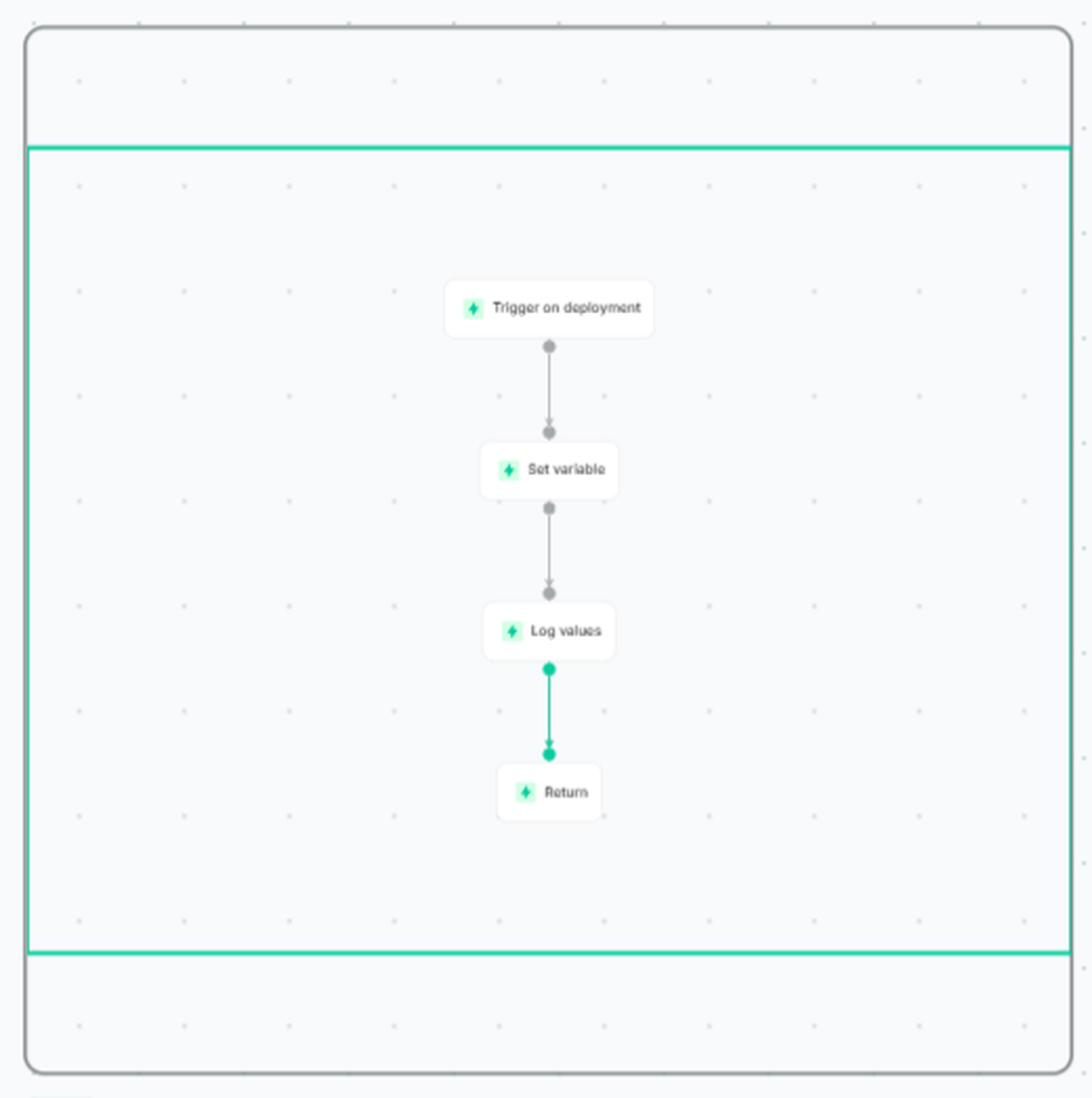
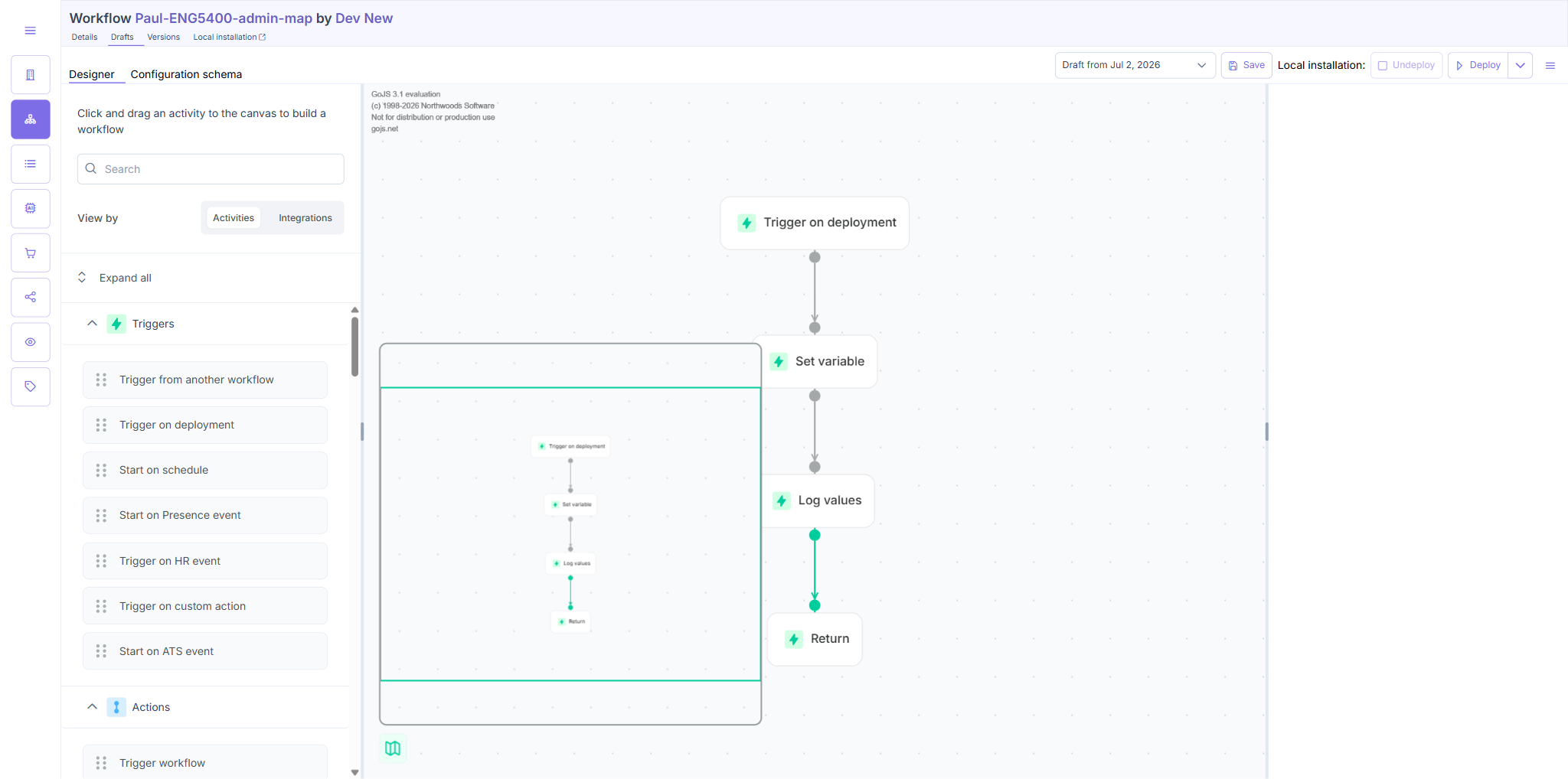
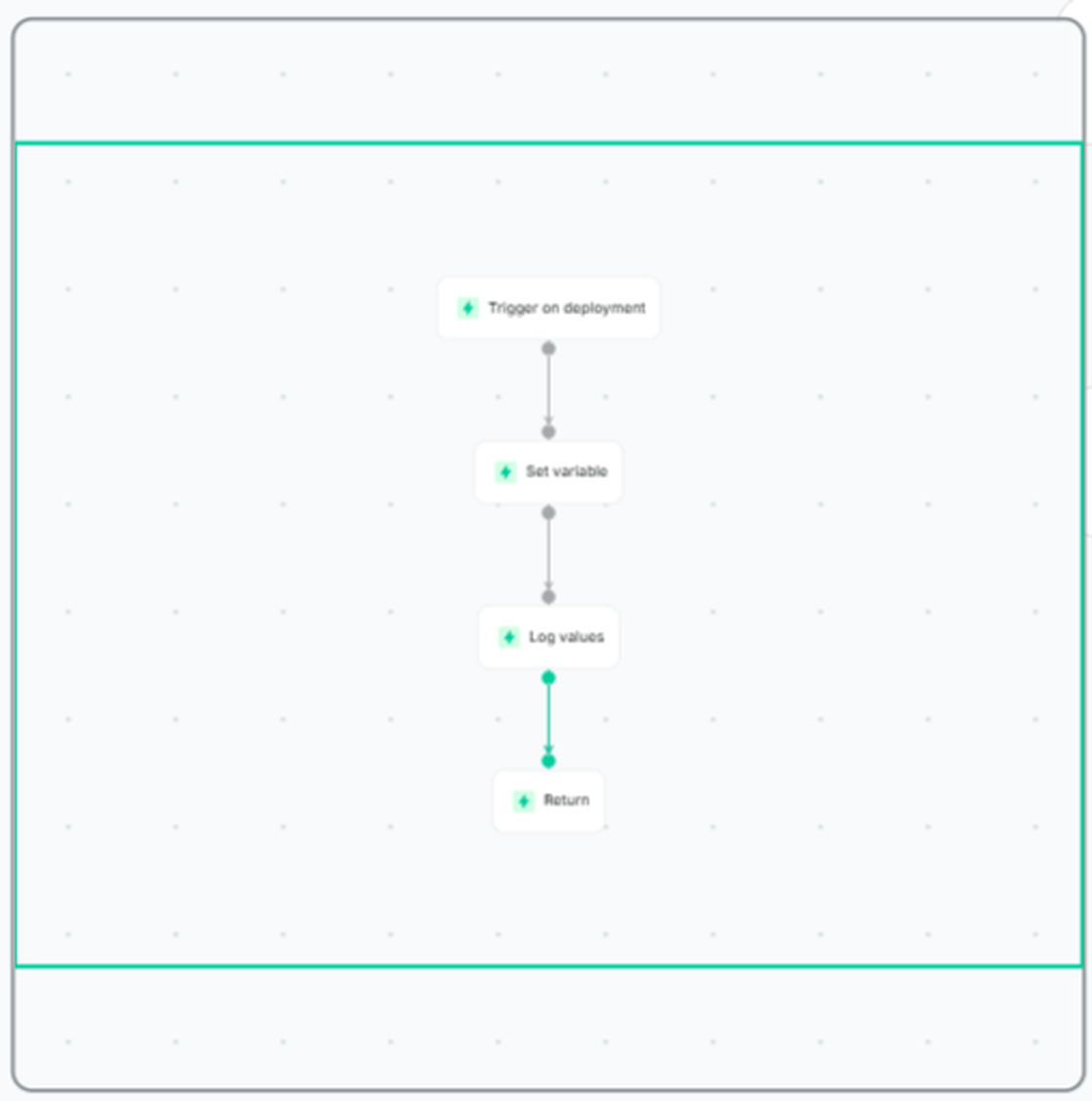
497×497 pxon DEV User, DEV Admin and staging — identical. Node outlines measure light-gray (darkest gray ~167–172; essentially no pixels below brightness 120) on all three — not “dark”. The TC “dark outline” step FAILS (TC1 step 7, TC2 step 8). - ENG-5411 (row hover): hovering a row tints its cell
rgb(249,250,252), the tint tracks the pointer, reverts on leave, and the ⋯ button highlights its own row — all worded steps PASS. But the exact same faint tint already exists on untouched staging.
Conclusion: neither the ENG-5400 map improvement nor the ENG-5411 hover highlight is observably different from the pre-change staging baseline — a strong signal the changes aren’t deployed / effective on DEV. Recommend confirming the DEV build with engineering before passing.
Method: map/outline verified on self-created throwaway workflows only (no existing/production workflows touched). Visual properties measured via screenshots + pixel-brightness and getComputedStyle, not by eye. “Bigger” is unspecified by the PO — assessed against the TC’s literal wording.
DEV vs untouched staging (A/B)
| Property | DEV User | DEV Admin | Staging (baseline) | Difference |
|---|---|---|---|---|
| Map module size | 497×497 | 497×497 | 497×497 | none |
| Node-outline brightness (darkest gray px) | ~167 | ~172 | ~168 | none (all light) |
| Workflows-list row hover highlight | rgb(249,250,252) | — | rgb(249,250,252) | none |
ENG-5400 TC1 — Map on the User app builder canvas
Overall: PARTIAL (5 pass, 2 fail). Verified on throwaway ZZTEST-ENG5400-map-DELETE.
| # | Action | Verdict | Evidence |
|---|---|---|---|
| 1 | Log in to the User app | PASS | Landed on /discover, heading “Discover” |
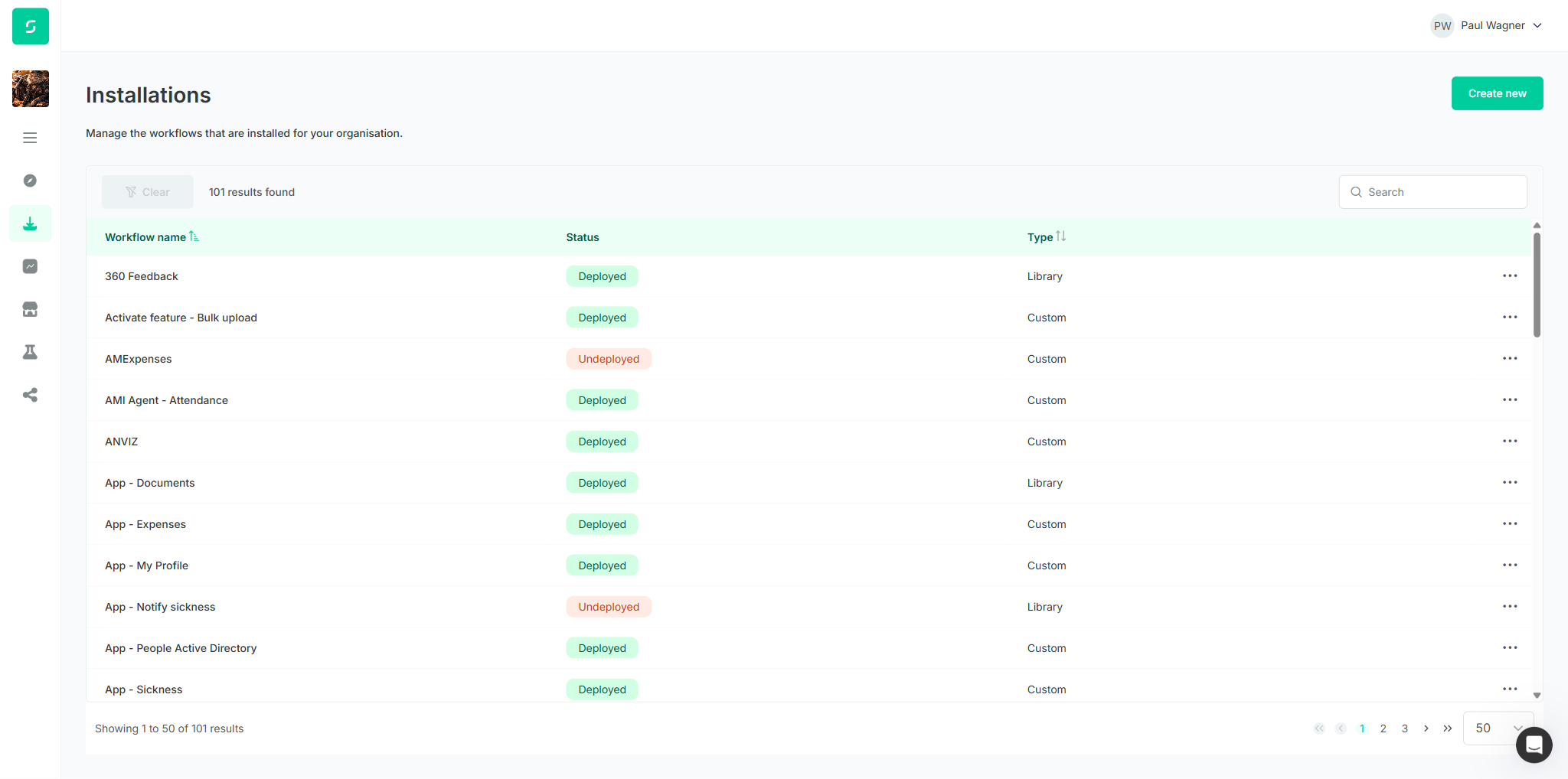
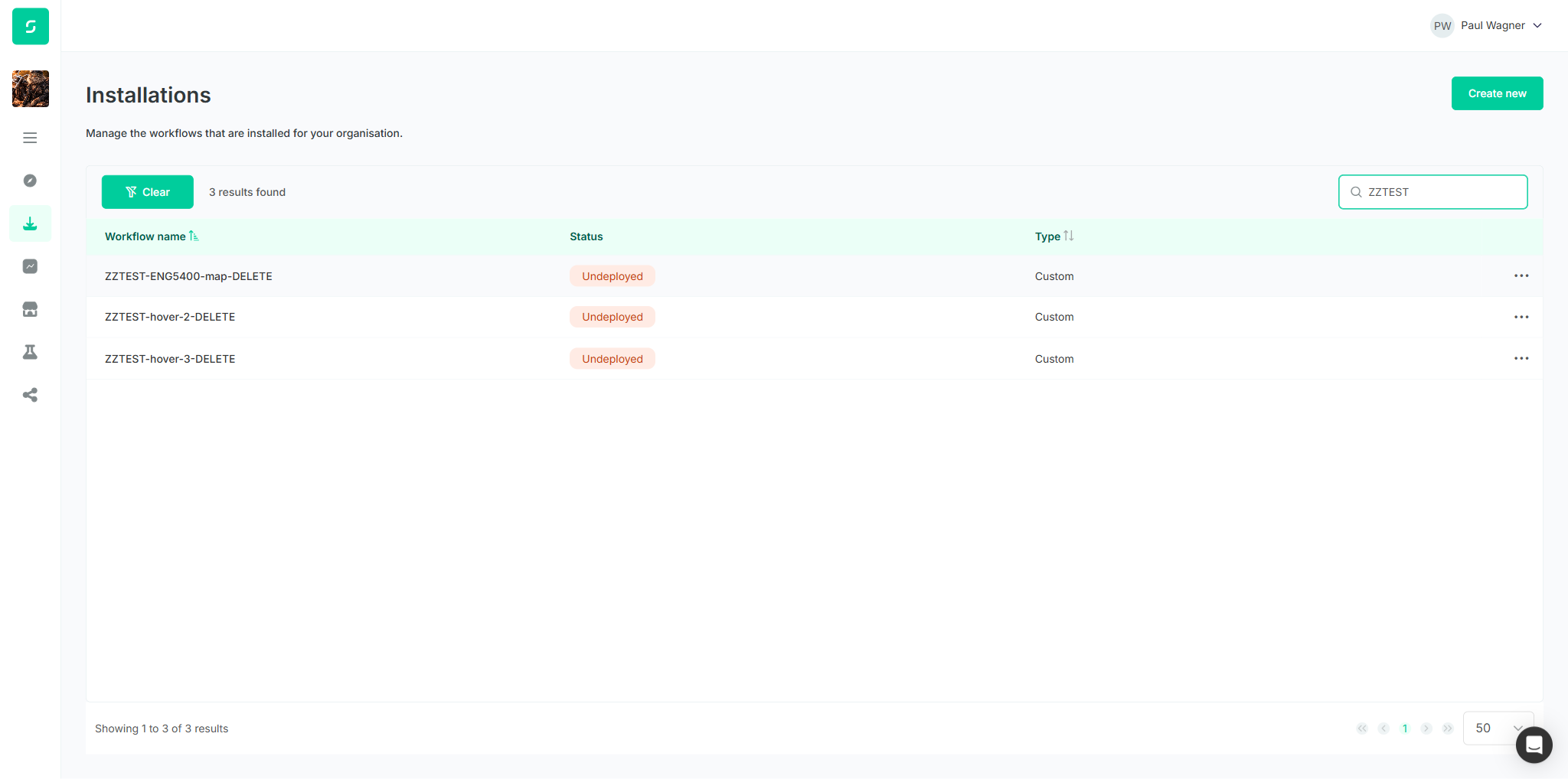
| 2 | Sidebar → Workflows list | FAIL | List shown (Workflow name / Status / Type), but h1 reads “Installations”, not “Workflows”. Pre-existing — also on staging. |
| 3 | Open a workflow → installation detail | PASS | /deployment/… detail with Workflow-health panel + “Go to builder” |
| 4 | Click “Go to builder” | PASS | /draft/…/builder; GoJS canvas + activity library |
| 5 | Click the map icon | PASS | Map overview module rendered on the canvas |
| 6 | Map large enough to make out nodes | PASS | 497×497 module; all 4 nodes individually legible with labels |
| 7 | Nodes rendered with a dark, clearly visible outline | FAIL | Outlines measure light-gray (no pixels below brightness 120). Identical to staging. |
ENG-5411 TC1 — Hovered workflow row is highlighted
Overall: PASS on the feature (hover steps 3–7) with 1 pre-existing heading fail. Verified on throwaway rows ZZTEST-*-DELETE.
| # | Action | Verdict | Evidence |
|---|---|---|---|
| 1 | Log in to the User app | PASS | Discover landing page |
| 2 | Sidebar → Workflows list | FAIL | h1 reads “Installations”, not “Workflows” (same as TC1 step 2) |
| 3 | Hover the first workflow row | PASS | Row cell bg → rgb(249,250,252); other rows transparent |
| 4 | Hover a second row (no click) | PASS | Row 2 cell bg → rgb(249,250,252) |
| 5 | First row after moving away | PASS | Reverted to rgba(0,0,0,0) (default) |
| 6 | Hover the ⋯ quick-action button | PASS | The row containing the ⋯ became the highlighted row; others default |
| 7 | Move pointer off rows to empty area | PASS | All rows rgba(0,0,0,0) — no row highlighted |
Caveat: the highlight is very subtle (a ~6-level off-white tint vs pure white) and identical on untouched staging — i.e. the pre-change baseline, not a new/clearer indicator.
ENG-5400 TC2 — Map on the Admin app designer canvas
Overall: PARTIAL (7 pass, 1 fail). Verified on throwaway Paul-ENG5400-admin-map (org: Dev New).
| # | Action | Verdict | Evidence |
|---|---|---|---|
| 1 | Log in to the Admin app | PASS | Admin app loaded with left sidebar |
| 2 | Sidebar → Workflows list | PASS | heading “Workflows”, org selector present |
| 3 | Open a workflow → detail page | PASS | /workflow/:id/details; tabs Details / Drafts / Versions |
| 4 | Click the “Drafts” tab | PASS | “Designer” and “Configuration schema” sub-tabs displayed |
| 5 | Click the “Designer” sub-tab | PASS | Canvas (application) + activity library displayed |
| 6 | Click the map icon | PASS | Map overview module rendered (497×497) |
| 7 | Map large enough to make out nodes | PASS | 497×497; 4 nodes legible |
| 8 | Nodes rendered with a dark, clearly visible outline | FAIL | Outlines light-gray (darkest ~172); identical to the user app |
Failure summary
| # | TC | Step | Expected | Actual | Severity |
|---|---|---|---|---|---|
| 1 | ENG-5400 TC1 | 2 | List under a “Workflows” heading | Heading reads “Installations” (list itself correct). Pre-existing; also on staging | Low |
| 2 | ENG-5400 TC1 | 7 | Each node has a dark outline | Outlines light-gray (measured); identical to untouched staging | Medium |
| 3 | ENG-5411 TC1 | 2 | List under a “Workflows” heading | Heading “Installations” (same as #1) | Low |
| 4 | ENG-5400 TC2 | 8 | Each node has a dark outline | Outlines light-gray; identical to the user app | Medium |
Overarching: no observable difference between DEV and untouched staging for either story — likely the changes are not deployed / effective on DEV.
Screenshot gallery
ENG-5400 — map on the User app canvas (throwaway)
ENG-5400 — untouched staging baseline (A/B)
ENG-5400 — map on the Admin app canvas (throwaway)
ENG-5411 — hovered row highlight
Shared — list heading