Overall Summary
| Story | TC | Title | Result |
|---|---|---|---|
| ENG-4938 | TC1 | Category Management Table Display | PASS |
| ENG-4938 | TC2 | Add Category | PASS |
| ENG-4938 | TC3 | Edit Category | PASS |
| ENG-4938 | TC4 | Delete Category | PASS (1 bug) |
| ENG-4938 | TC5 | Workflow Search and Assignment | FAIL — Not implemented |
| ENG-5306 | TC1 | Side Navigation Expand and Collapse | PASS |
| ENG-5306 | TC2 | Navigation Functionality in Both States | PASS |
| ENG-5307 | TC1 | Multiple Choice Default Value Chips | PASS |
| ENG-5307 | TC2 | Single Select Default Value Unaffected | PASS |
Bug Found
BUG-01 (Low) — Delete Confirmation Shown for Categories with 0 Workflows
Story: ENG-4938 TC4 — Delete Category
Spec says: "If the category is used by workflows, show a confirmation prompt before deletion." This implies no prompt should appear for unused categories (0 workflows).
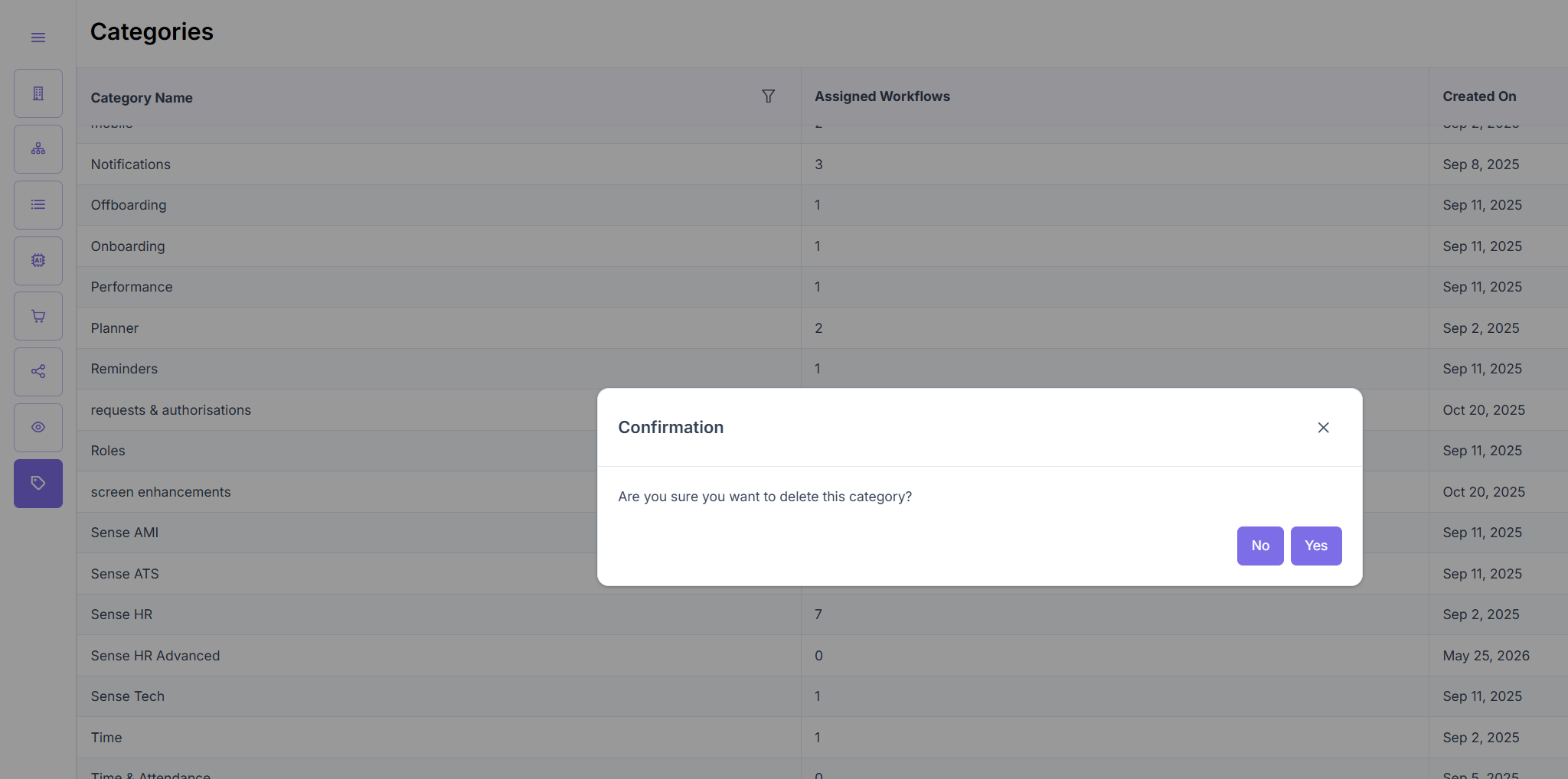
Actual behavior: The confirmation dialog ("Are you sure you want to delete this category?" with No / Yes) appears for all categories regardless of workflow count, including those with 0 assigned workflows.
Impact: Low — extra click, no data integrity risk. Deviates from spec.
Suggested fix: Only show the confirmation dialog when assignedWorkflows > 0. For categories with 0 assigned workflows, delete immediately on click.
OBS-01 — Workflow Search/Assignment from Category Row Not Implemented (TC5)
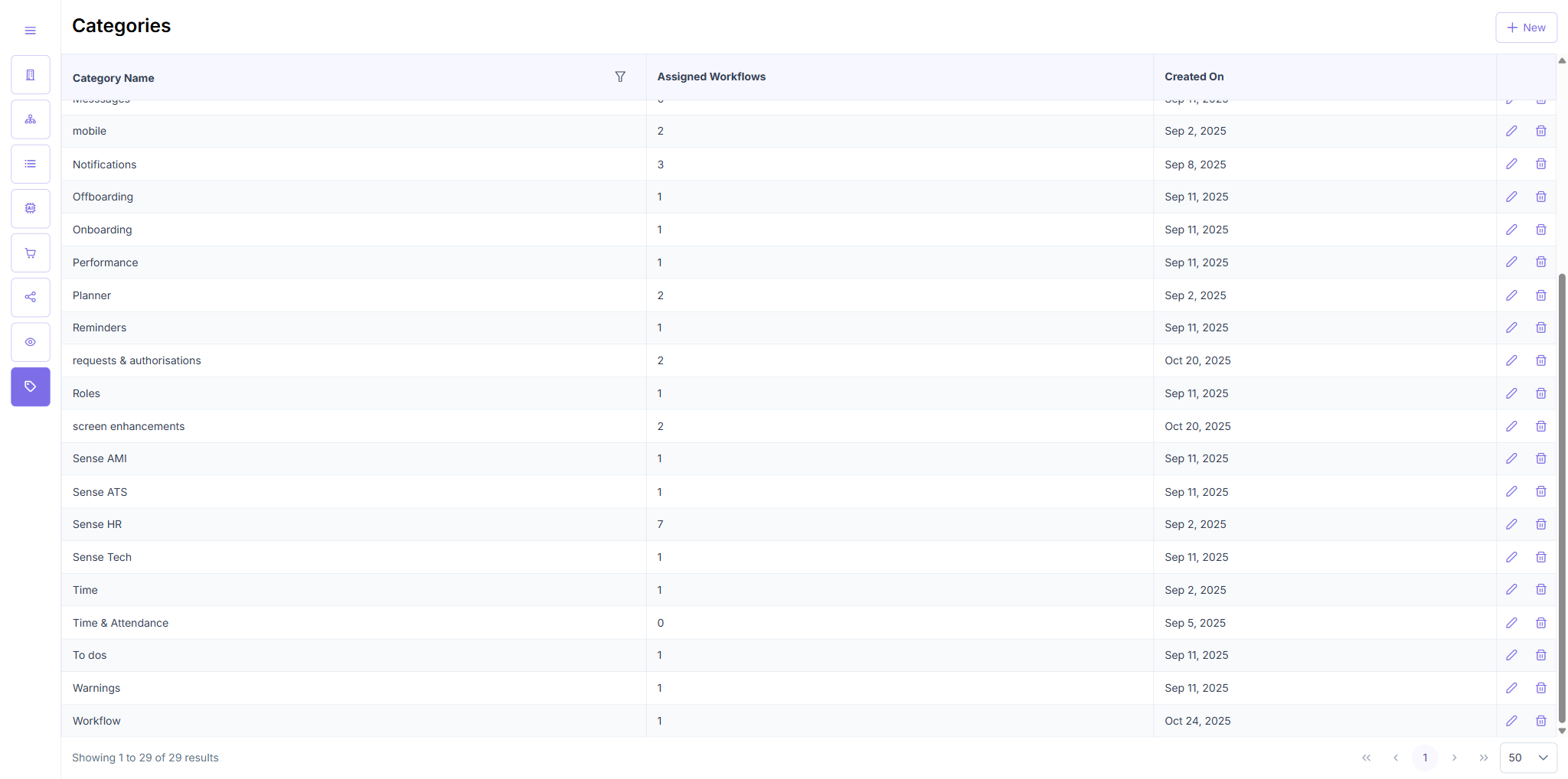
The workflow search/add feature described in ENG-4938 TC5 does not exist in the current build. The category row exposes only Edit (pencil) and Delete (trash) actions. The Edit modal only allows renaming — no workflow assignment UI is available from either the row or the modal.
Recommended action: Raise with product — either this is a planned feature not yet built, or the story acceptance criteria for workflow assignment should point to a different entry point (e.g., the workflow detail page’s Categories field).
ENG-4938 — Category Management
Environment: https://admin.automate.dev.sense.engineering/categories
TC1 — Category Management Table Display
| Test Case | Result |
|---|---|
| Category Management Table Display | PASS |
TC1 — Steps & Result
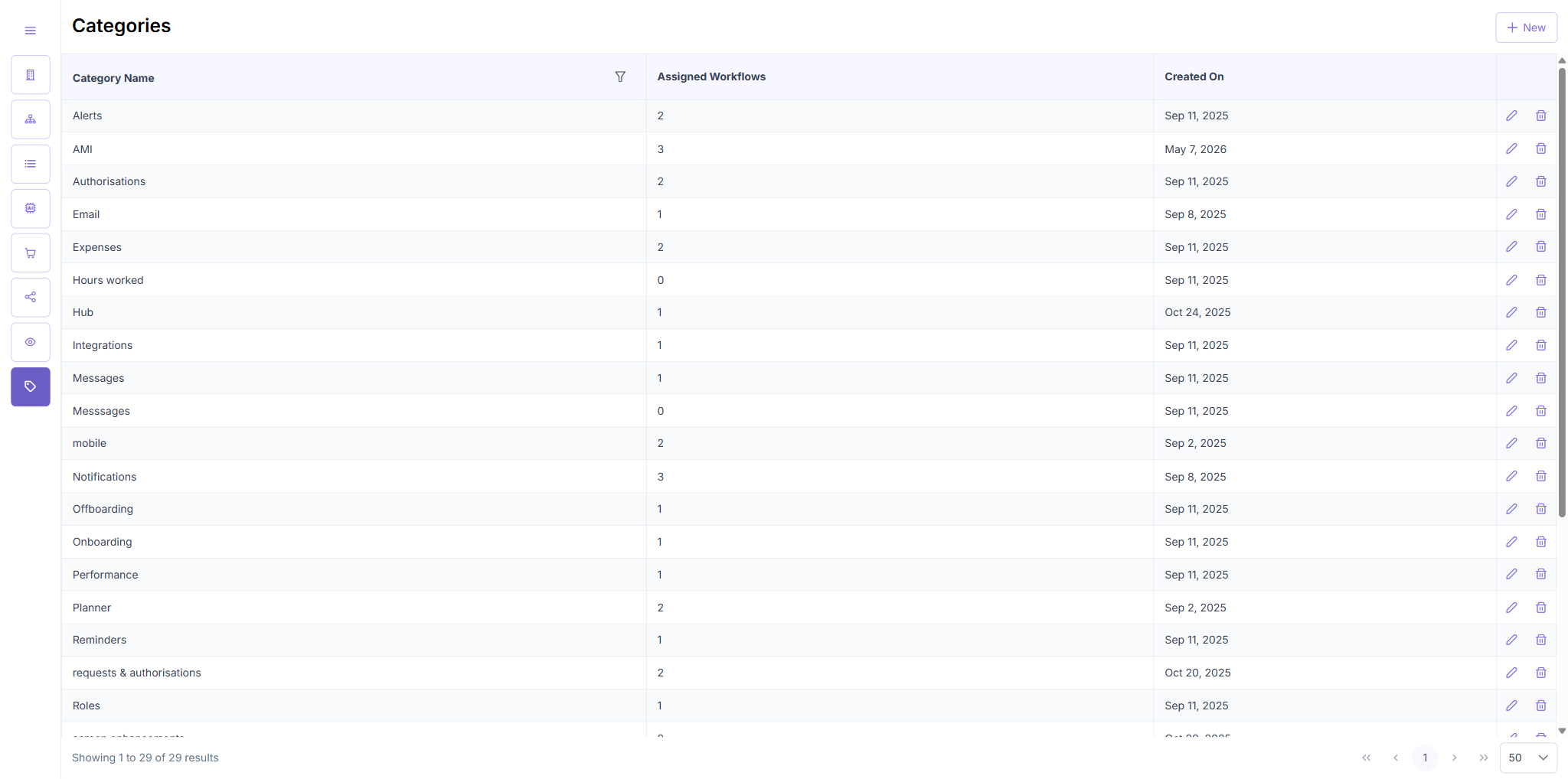
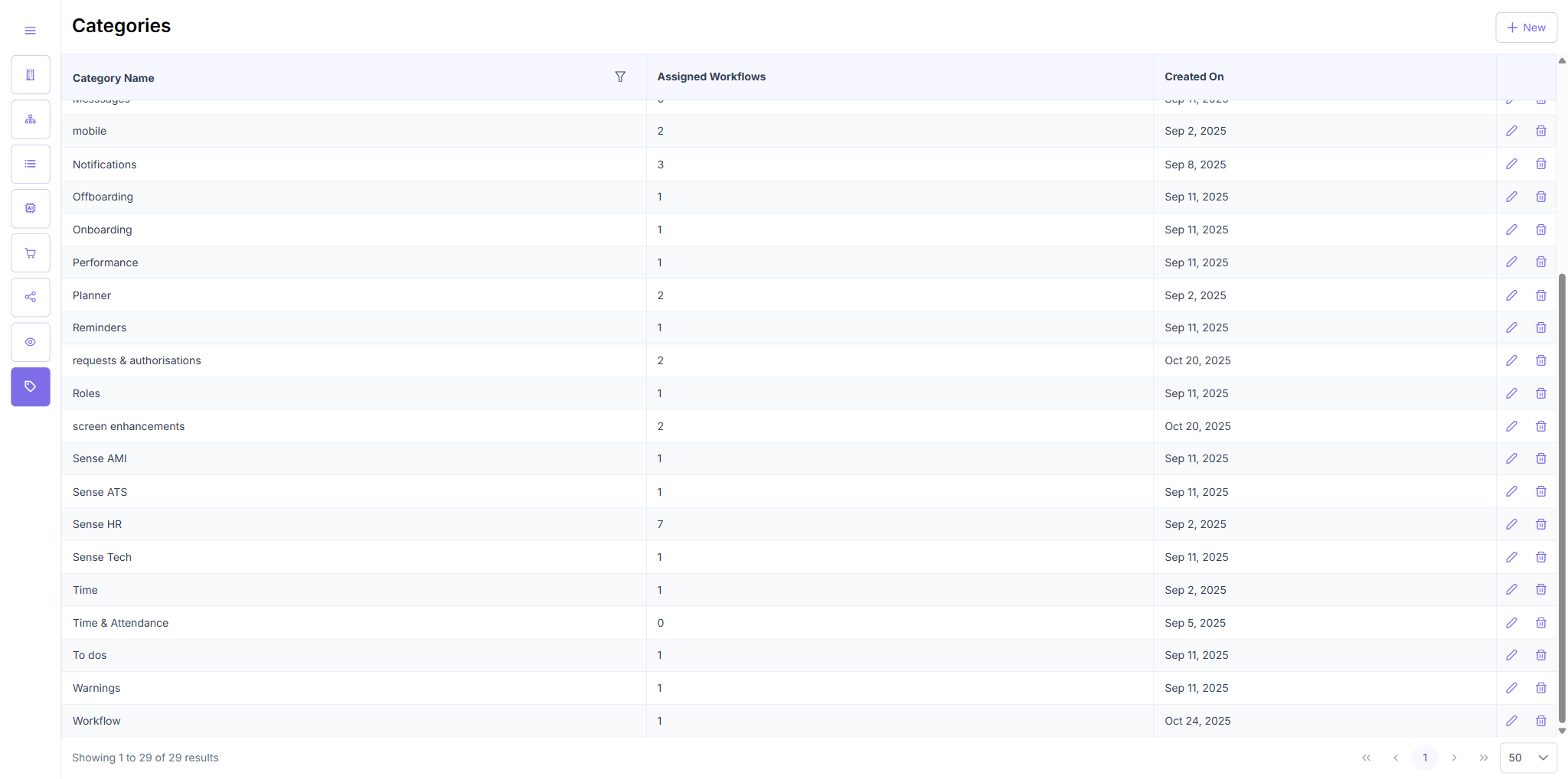
- Navigated to
/categoriesvia sidebar (Categories tag icon, bottom of nav). - Verified table loaded with columns: Category Name, Assigned Workflows, Created On, Edit/Delete actions.
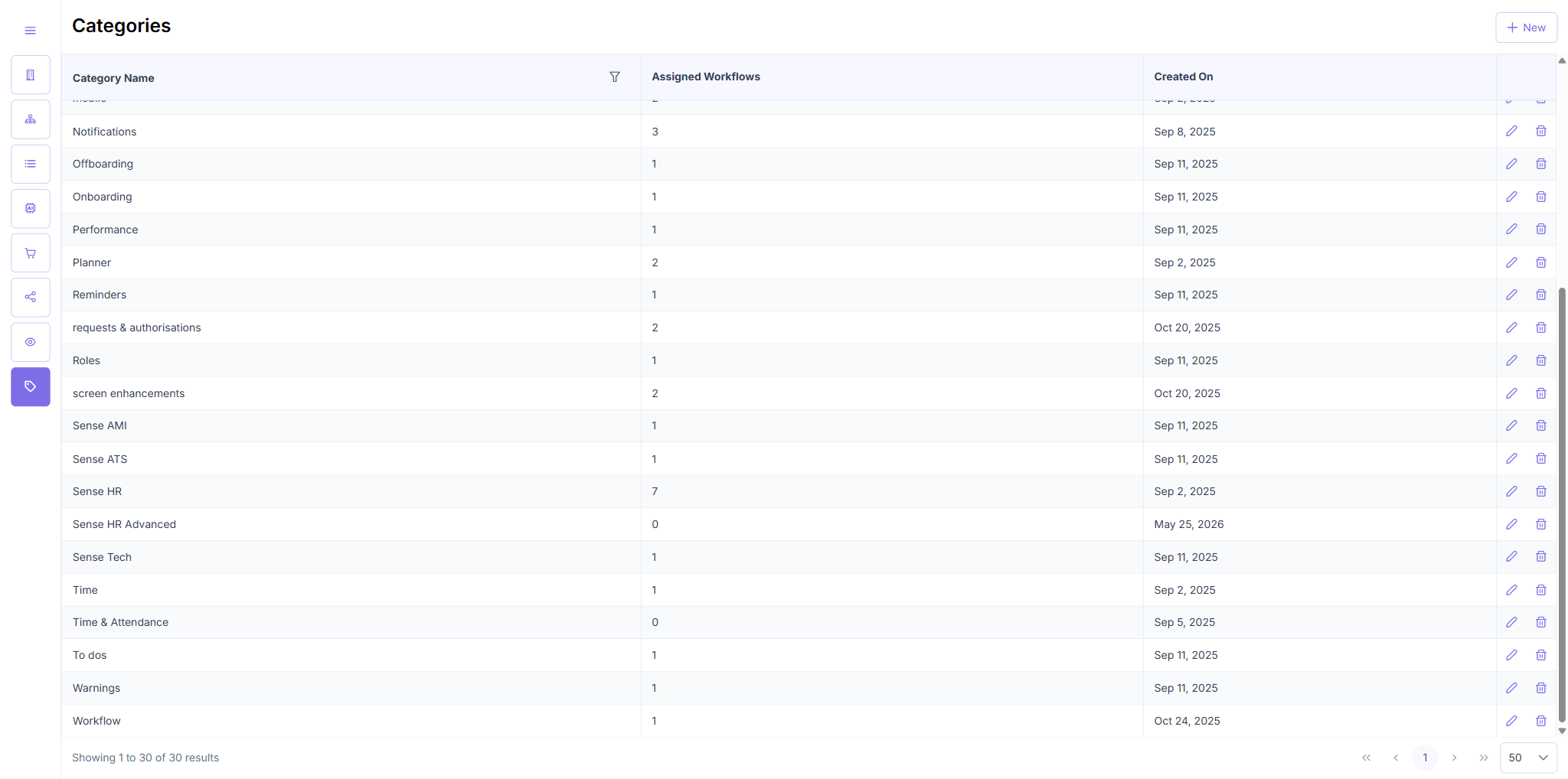
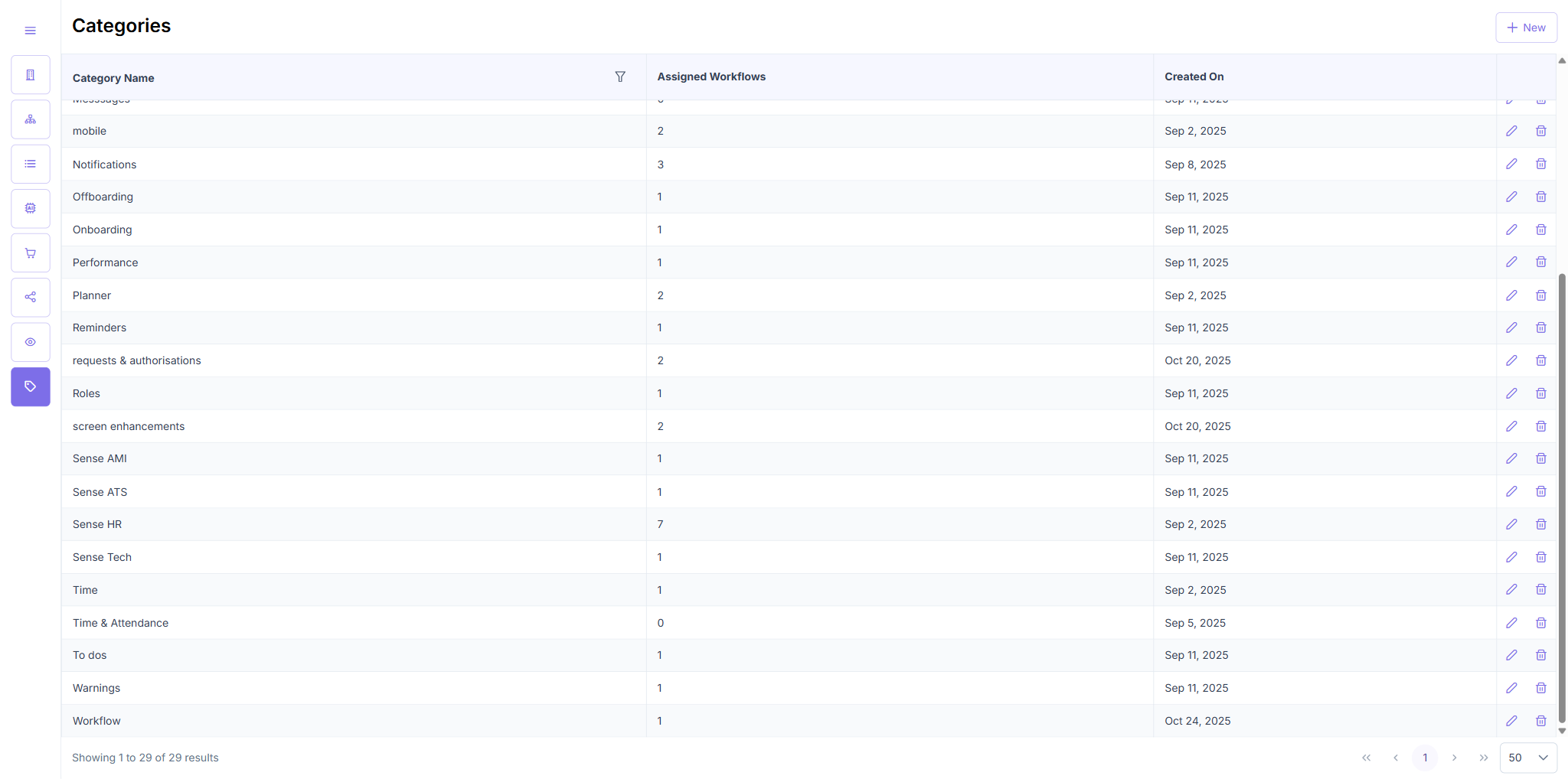
- Confirmed pagination showed "Showing 1 to 29 of 29 results".
- Verified table is sortable and rows show workflow count numbers.
Result: Table rendered correctly with all expected columns and data.
TC2 — Add Category
| Test Case | Result |
|---|---|
| Add Category | PASS |
TC2 — Steps & Result
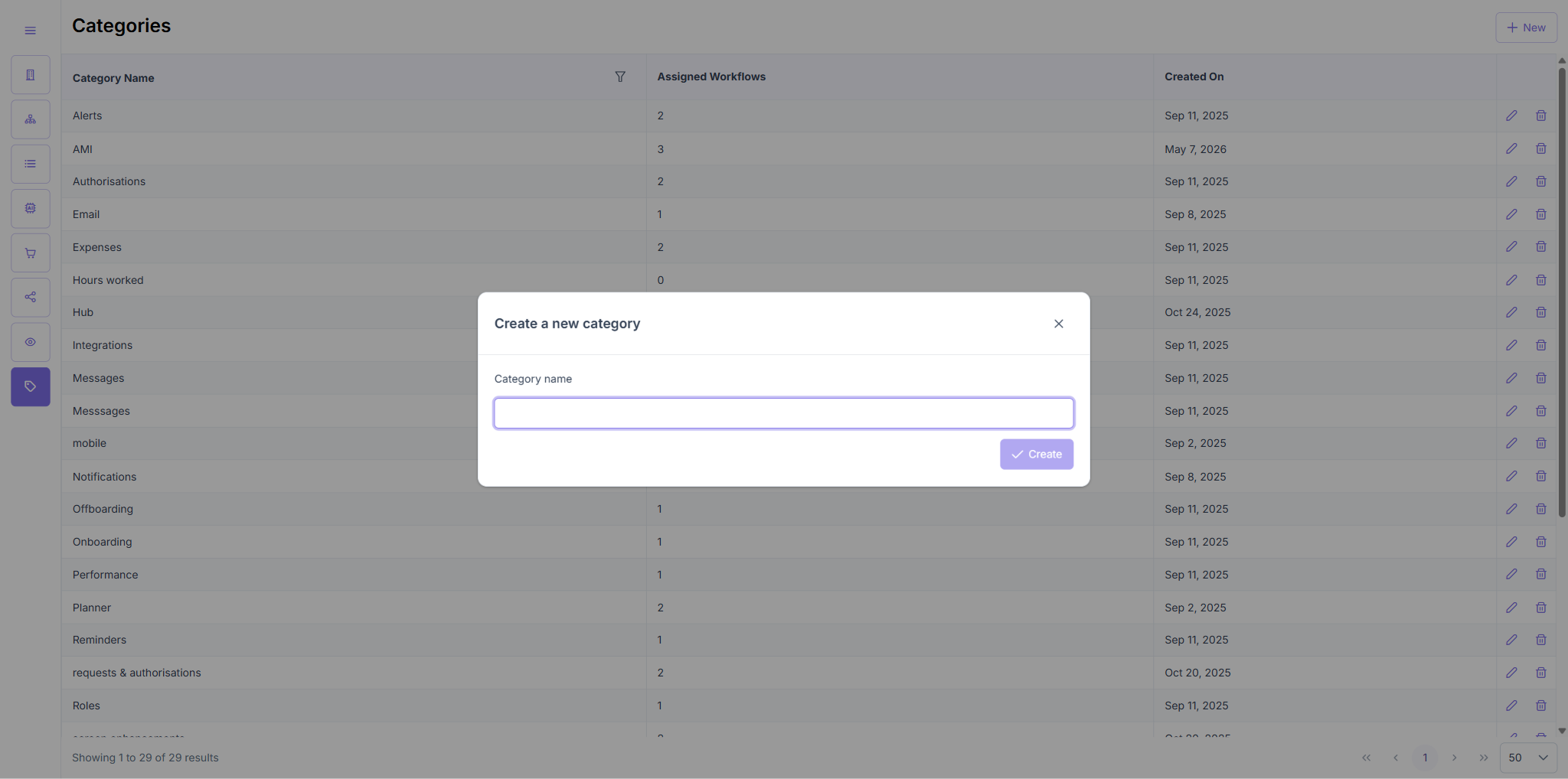
- Clicked "+ New" button — "Create a new category" modal opened.
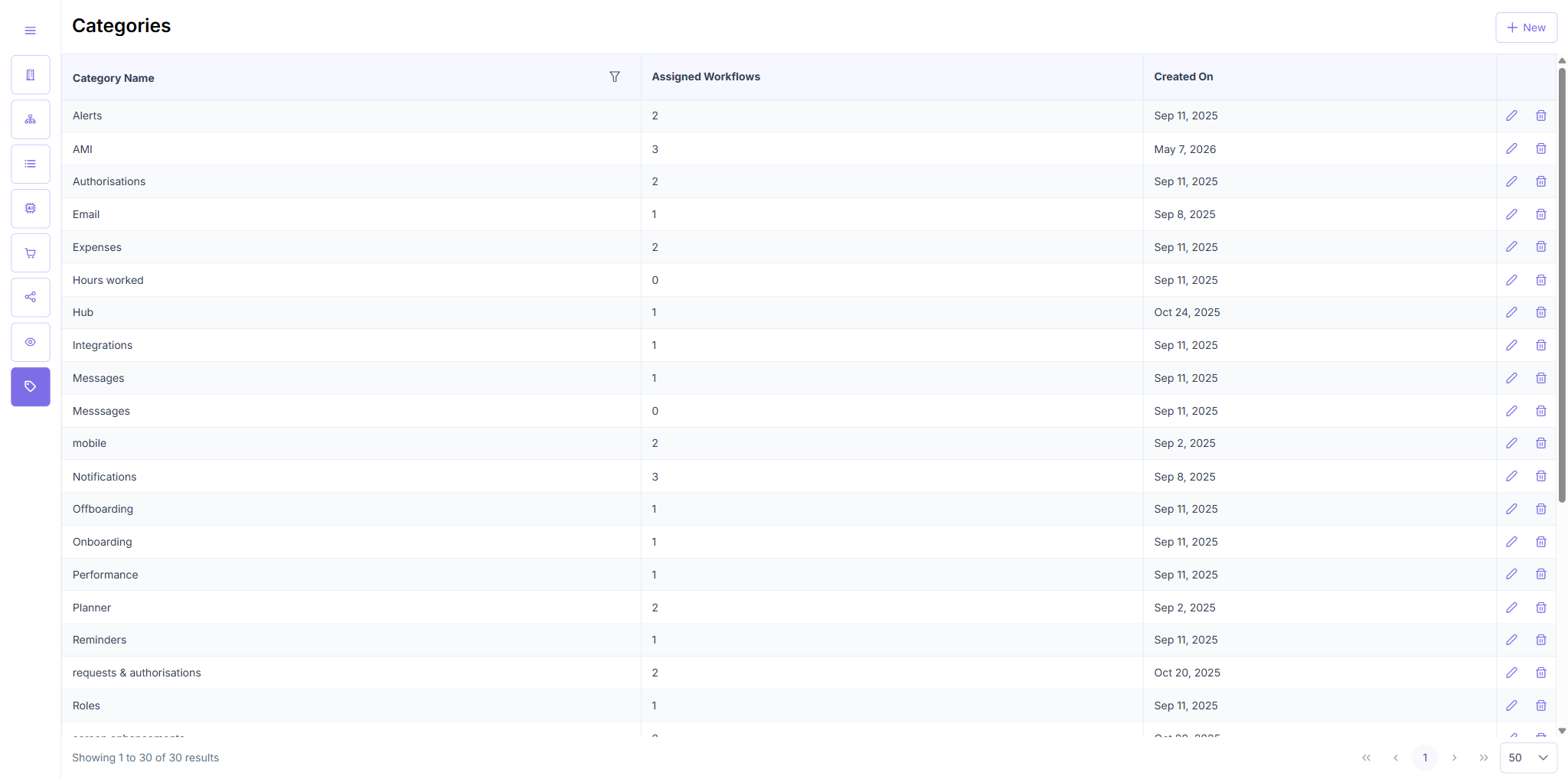
- Entered name "Sense HR Essentials" → clicked Save → row appeared in table (30 results).
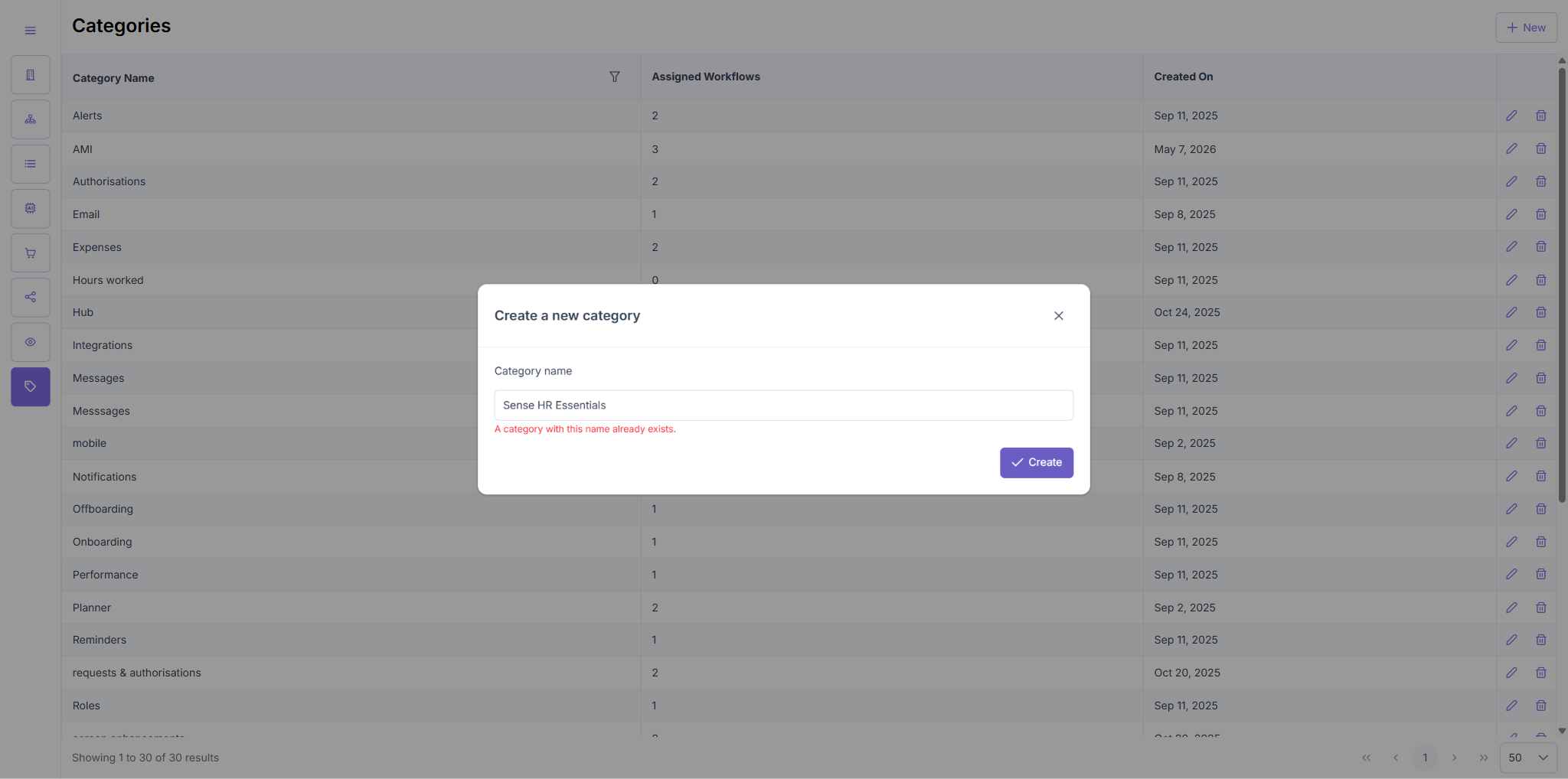
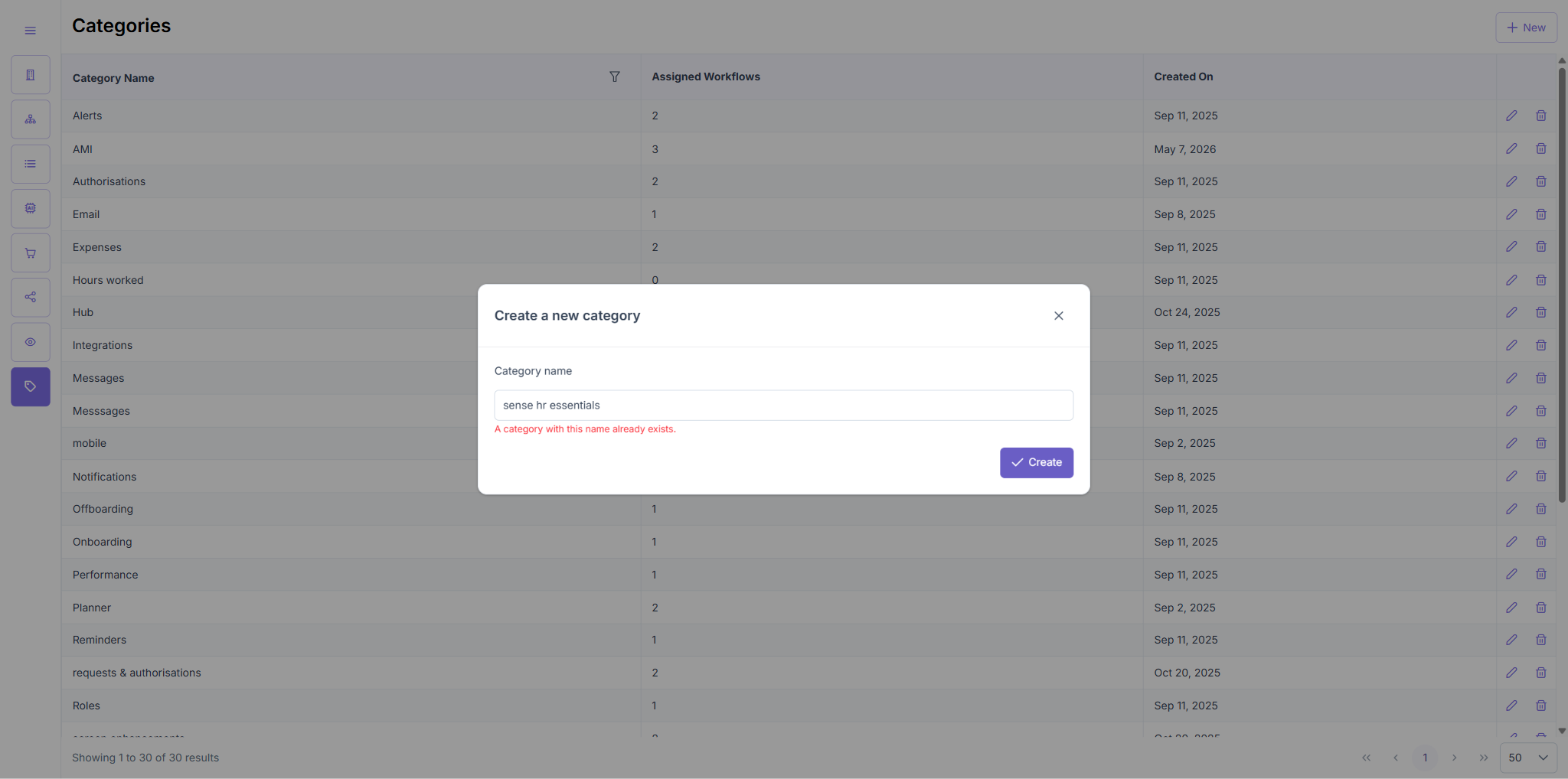
- Attempted to create duplicate "Sense HR Essentials" → error message shown: duplicate rejected.
- Attempted lowercase duplicate "sense hr essentials" → same error, confirming case-insensitive duplicate check.
Result: Category creation, duplicate detection (case-insensitive), and table update all work correctly.
TC3 — Edit Category
| Test Case | Result |
|---|---|
| Edit Category | PASS |
TC3 — Steps & Result
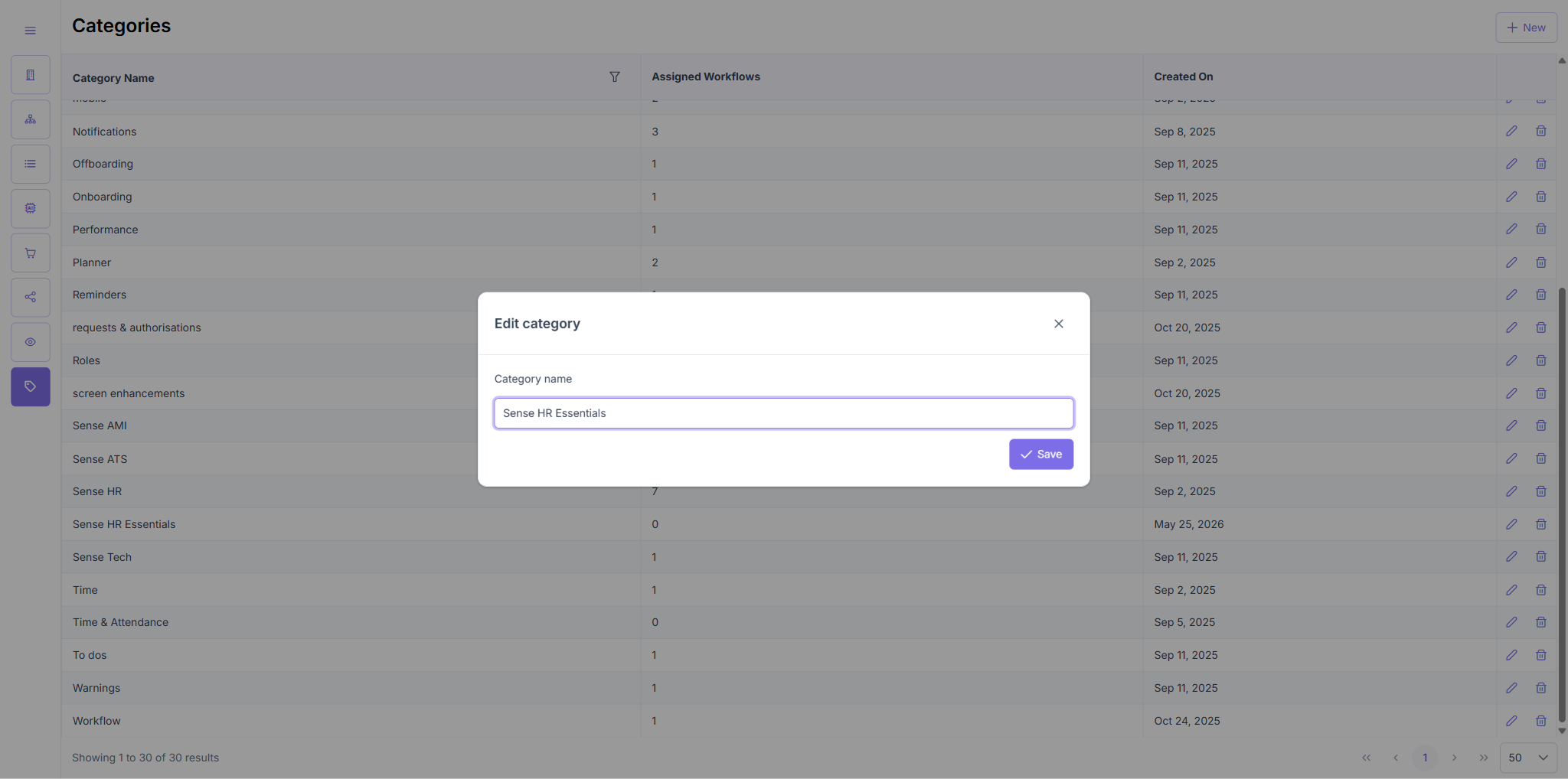
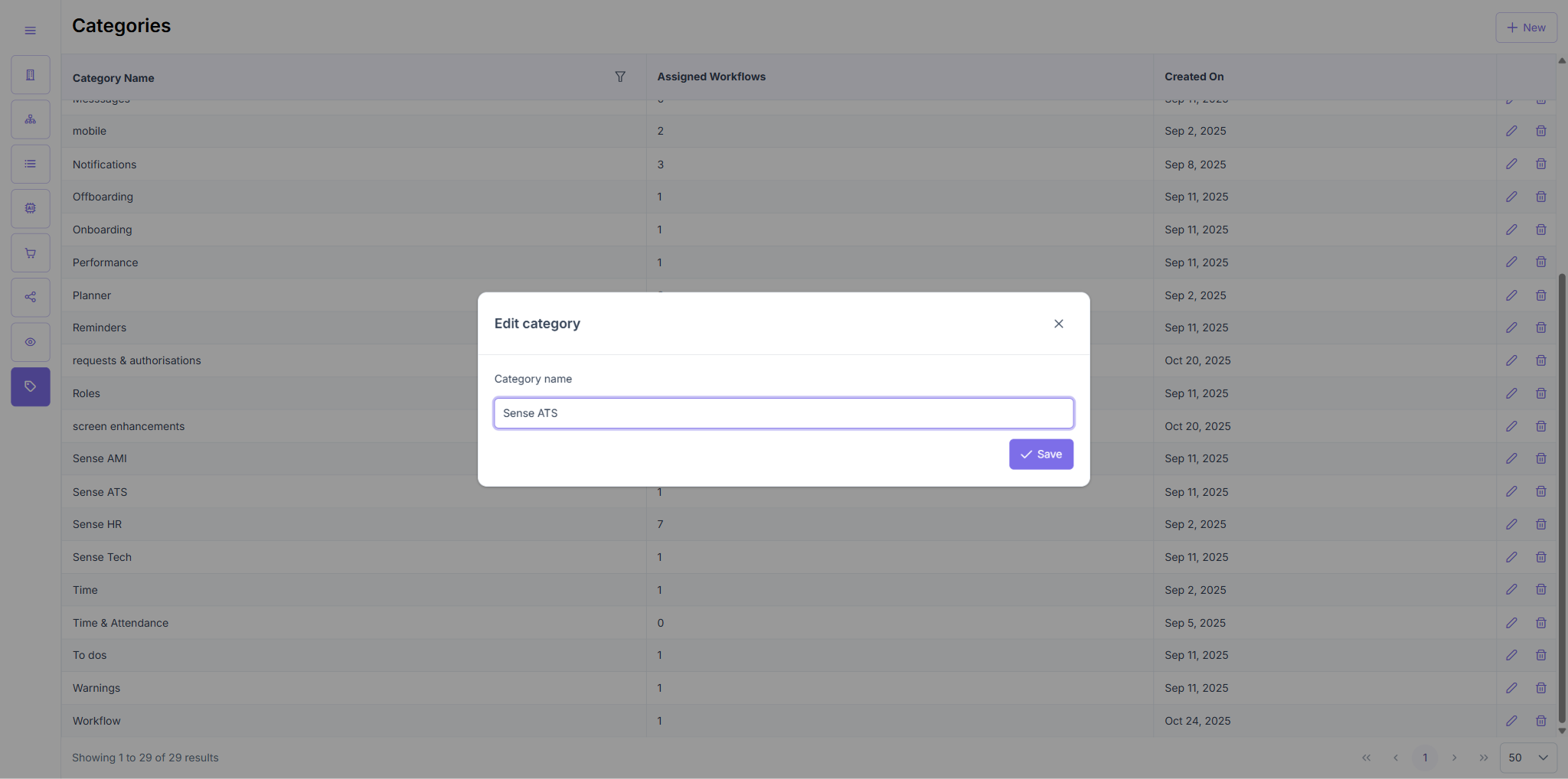
- Clicked the pencil icon on "Sense HR Essentials" row → "Edit category" modal opened pre-populated with existing name.
- Changed name to "Sense HR Advanced" → clicked Save.
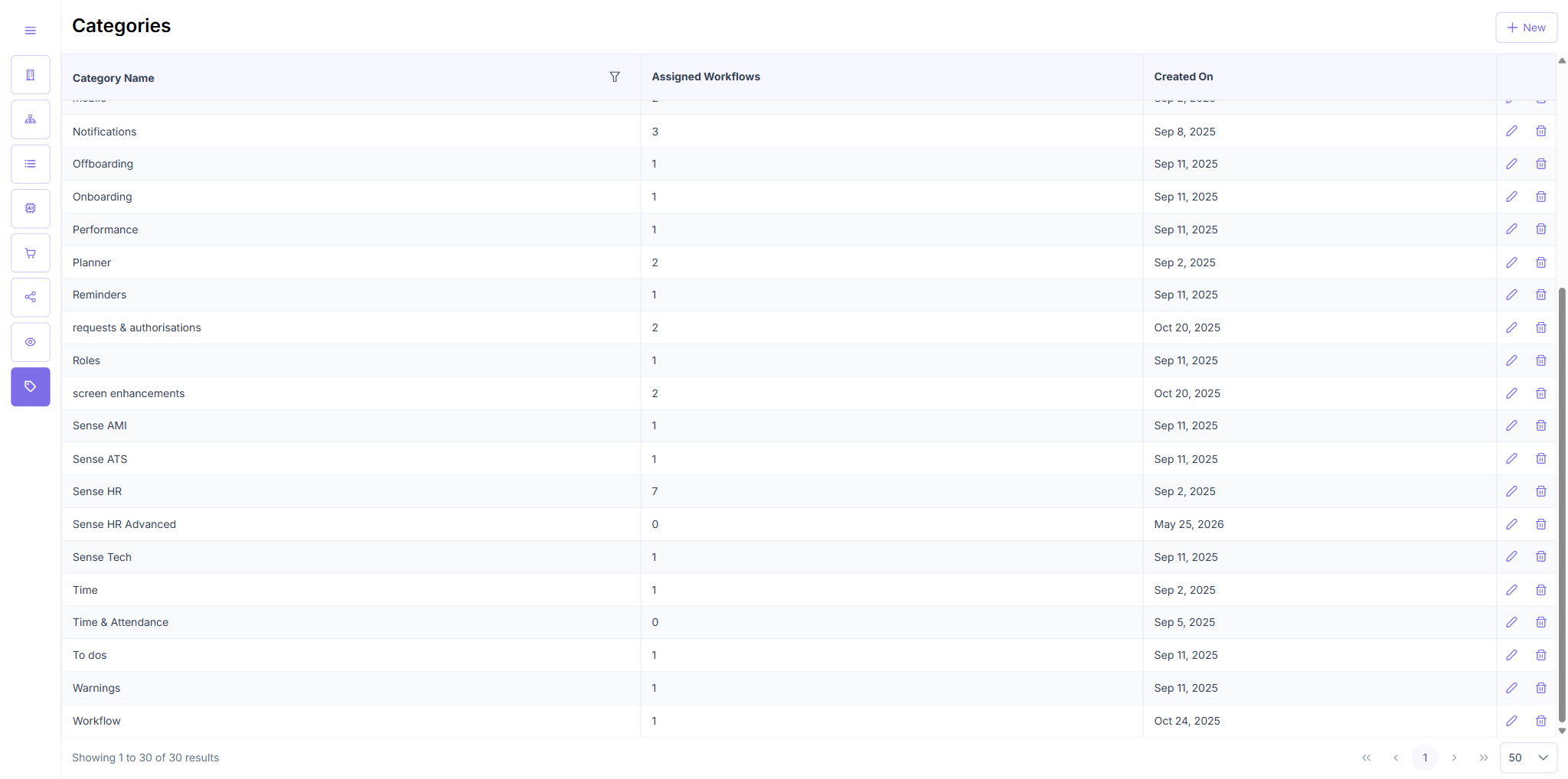
- Row updated to "Sense HR Advanced" in the table.
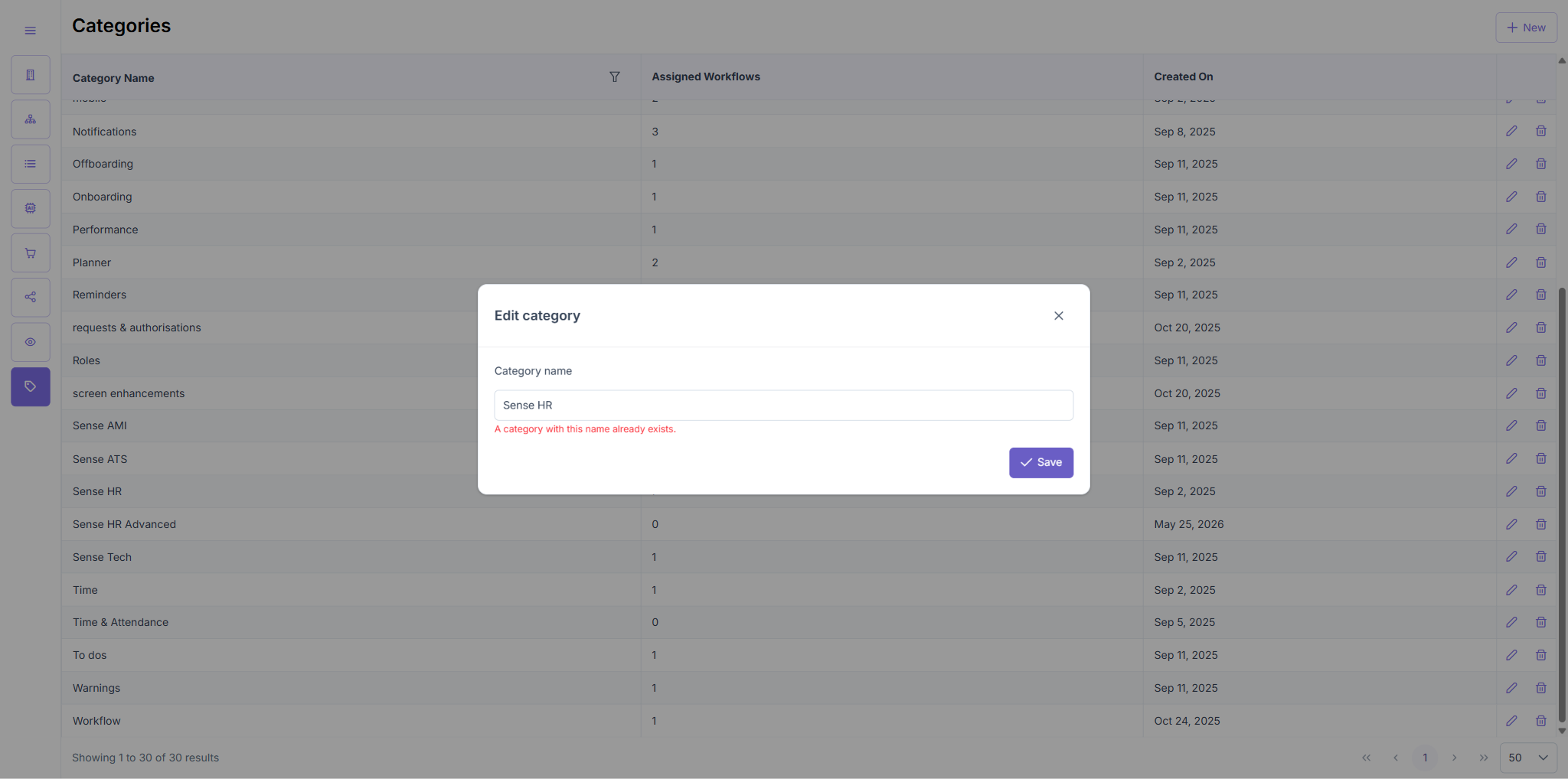
- Attempted edit to an existing name → duplicate error correctly shown.
Result: Edit modal opens with current name, rename persists, duplicate names blocked.
Note: The Edit modal only exposes the Category Name field — no workflow assignment is available from Edit. Workflow count is read-only in the table.
TC4 — Delete Category
| Test Case | Result |
|---|---|
| Delete Category | PASS ⚠️ |
TC4 — Steps & Result
- Clicked trash icon on "Sense HR Advanced" (0 assigned workflows) → Confirmation dialog appeared: "Are you sure you want to delete this category?" with No / Yes.
- Clicked No → dialog dismissed, "Sense HR Advanced" remained in table.
- Clicked trash icon again → same confirmation dialog appeared.
- Clicked Yes → "Sense HR Advanced" removed, table updated to 29 results.
Result: Delete + confirmation flow works. Cancel (No) preserves the row. Confirm (Yes) removes it.
Bug noted: Confirmation dialog appears for categories with 0 assigned workflows. Spec says only show when category has assigned workflows. See Bugs section.
TC5 — Workflow Search and Assignment
| Test Case | Result |
|---|---|
| Workflow Search and Assignment | FAIL |
TC5 — Steps & Result
- Navigated to
/categories. - Inspected all UI elements in each category row.
- Clicked the category name cell — no panel opened.
- Clicked the workflow count cell — no panel opened.
- Inspected Edit modal — only exposes Category Name field.
- DOM-inspected row HTML: only
pi-pencil(edit) andpi-trash(delete) buttons present.
Result: The "workflow search/add" feature described in TC5 does not exist in the current implementation. There is no inline workflow selector, search input, or assignment UI accessible from the category table row or edit modal.
Recommended action: Raise with product — either this is a planned feature not yet built, or the story acceptance criteria for workflow assignment should point to a different entry point.
ENG-5306 — Side Navigation Expand/Collapse
TC1 — Side Navigation Expand and Collapse
| Test Case | Result |
|---|---|
| Side Navigation Expand and Collapse | PASS |
TC1 — Steps & Result
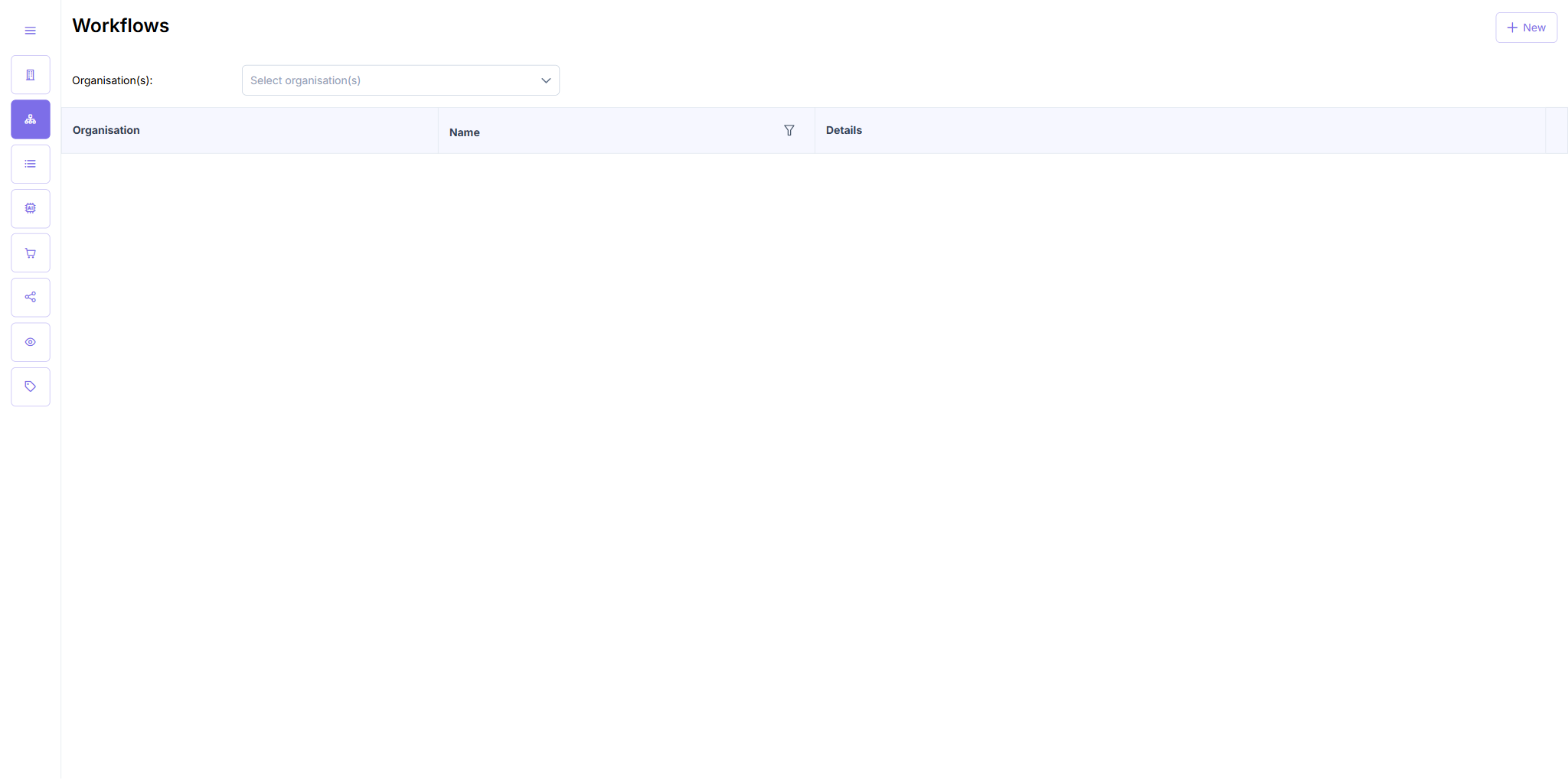
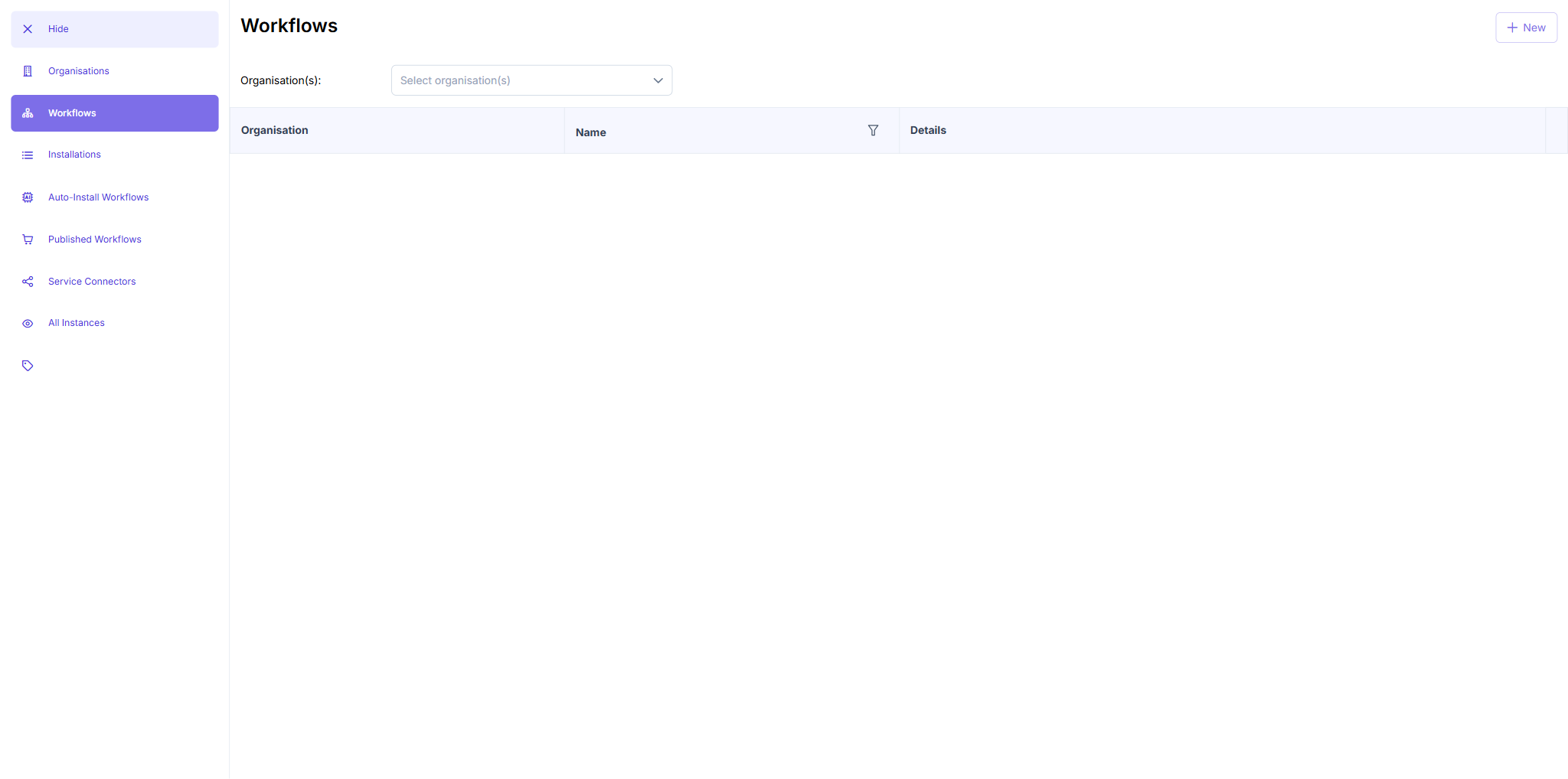
- Loaded
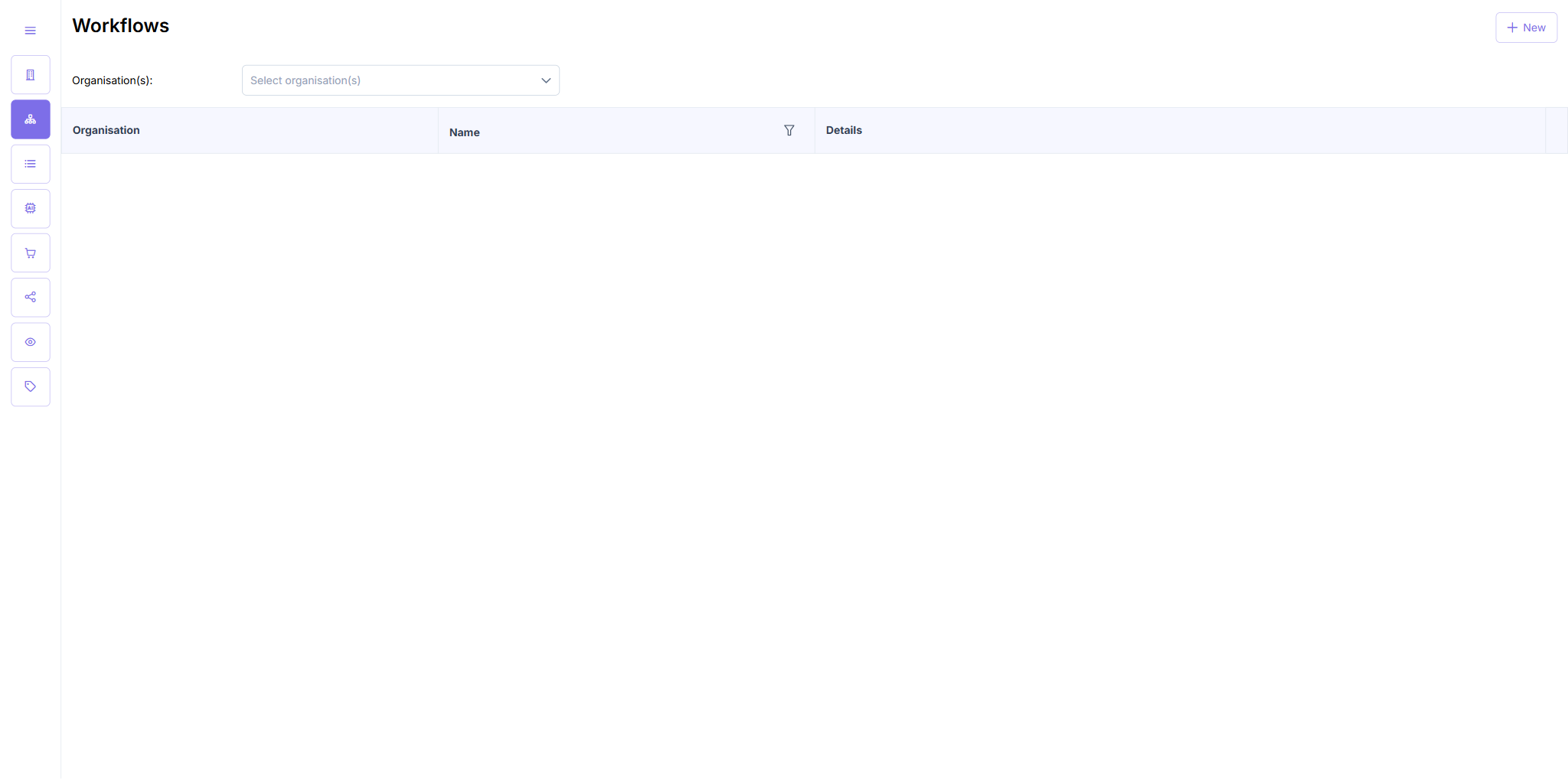
/categories— sidebar was in collapsed state (icon-only, ~50px wide). - Clicked the hamburger menu icon (top-left) → sidebar expanded, all navigation labels appeared (Organisations, Workflows, Installations, Auto-Install Workflows, Published Workflows, Service Connections, All Instances, Categories).
- Clicked hamburger again → sidebar collapsed back to icon-only.
Result: Expand/collapse toggle works correctly. All navigation labels visible when expanded.
TC2 — Navigation Functionality in Both States
| Test Case | Result |
|---|---|
| Navigation Functionality in Both States | PASS |
TC2 — Steps & Result
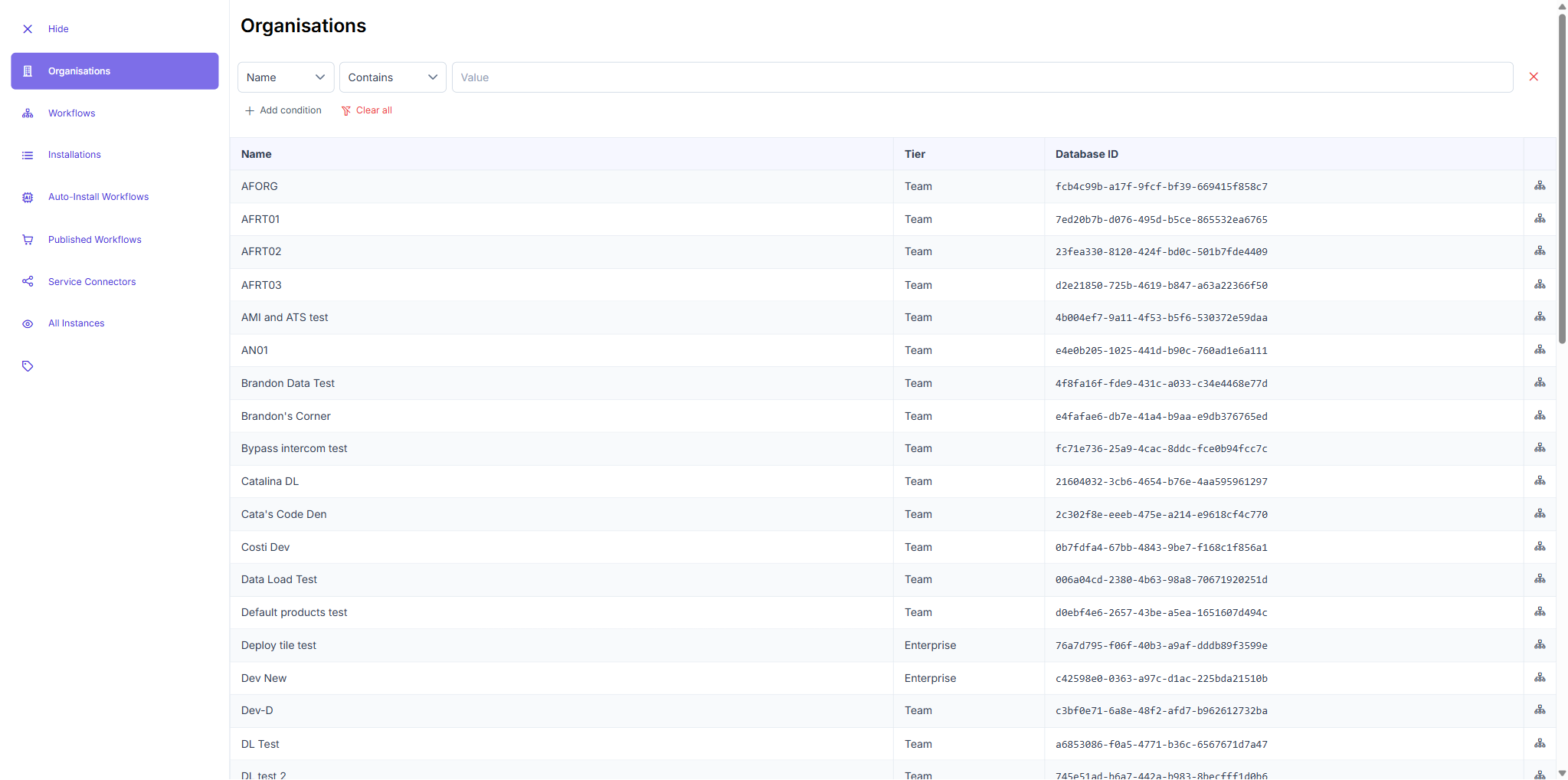
- Expanded state: Clicked "Organisations" text link →
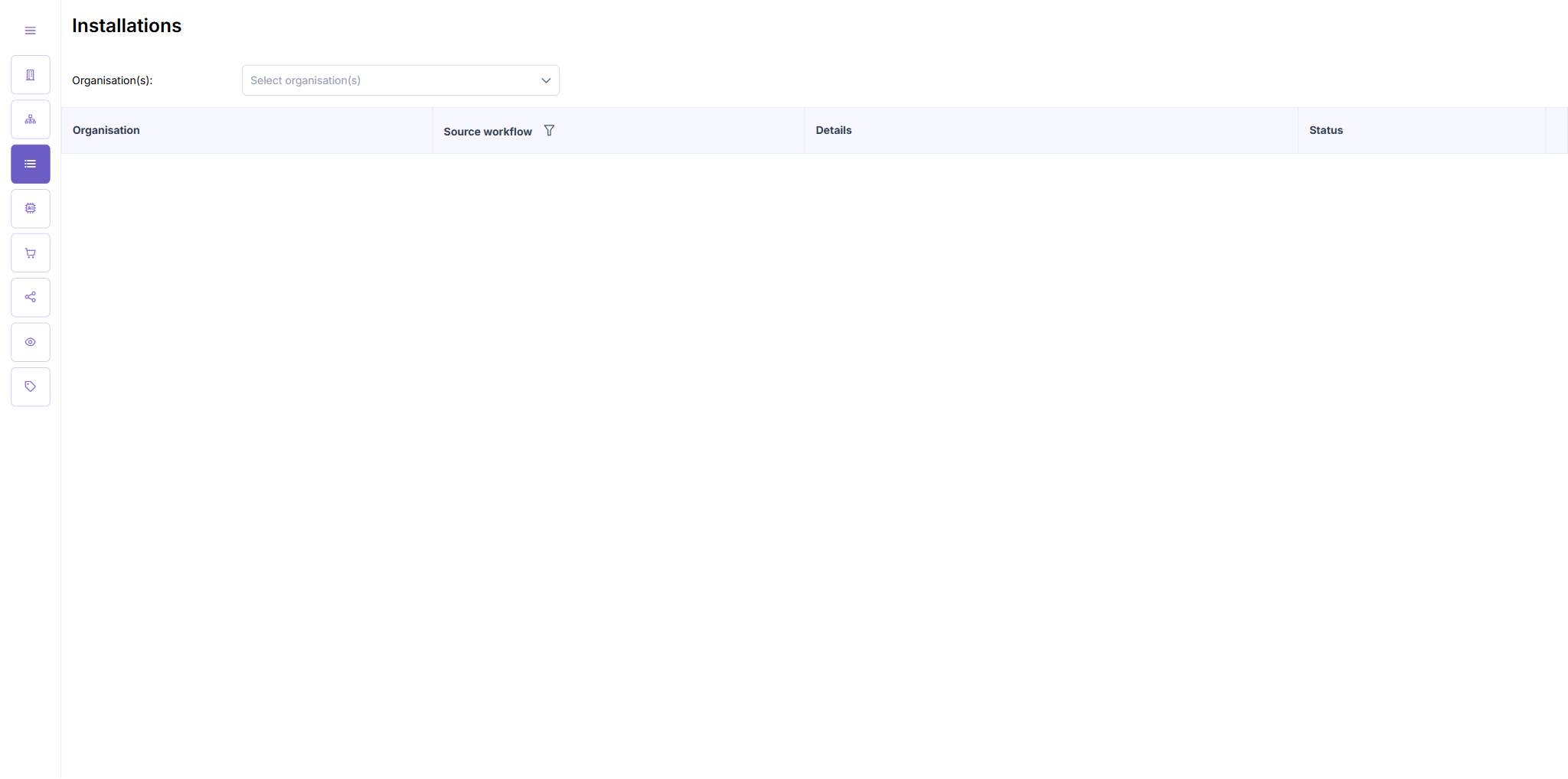
/organisationsloaded with active nav highlight. - Collapsed state: Navigated using icon-only refs for Installations →
/installationsloaded correctly. - Confirmed active route highlighting updates appropriately in both states.
Result: All tested navigation items work in both expanded and collapsed sidebar states. Icon-only navigation is functional when labels are hidden.
ENG-5307 — Multiple Choice Default Value (Configuration Schema)
Test workflow: "360 Feedback" by Sense Demo — URL: /workflow/:id/drafts/configuration-schema
TC1 — Multiple Choice Default Value Chips
| Test Case | Result |
|---|---|
| Multiple Choice Default Value Chips | PASS |
TC1 — Steps & Result
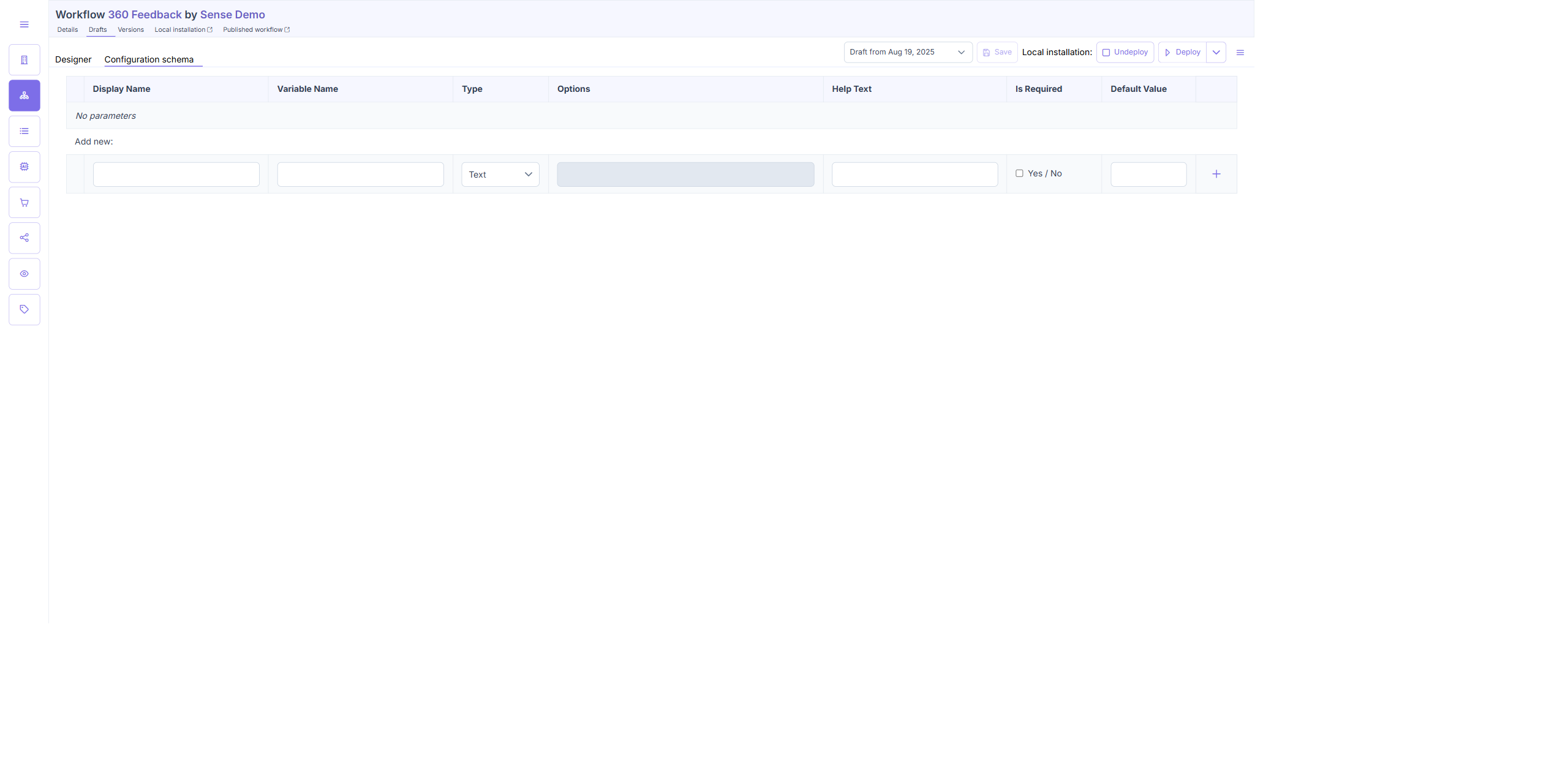
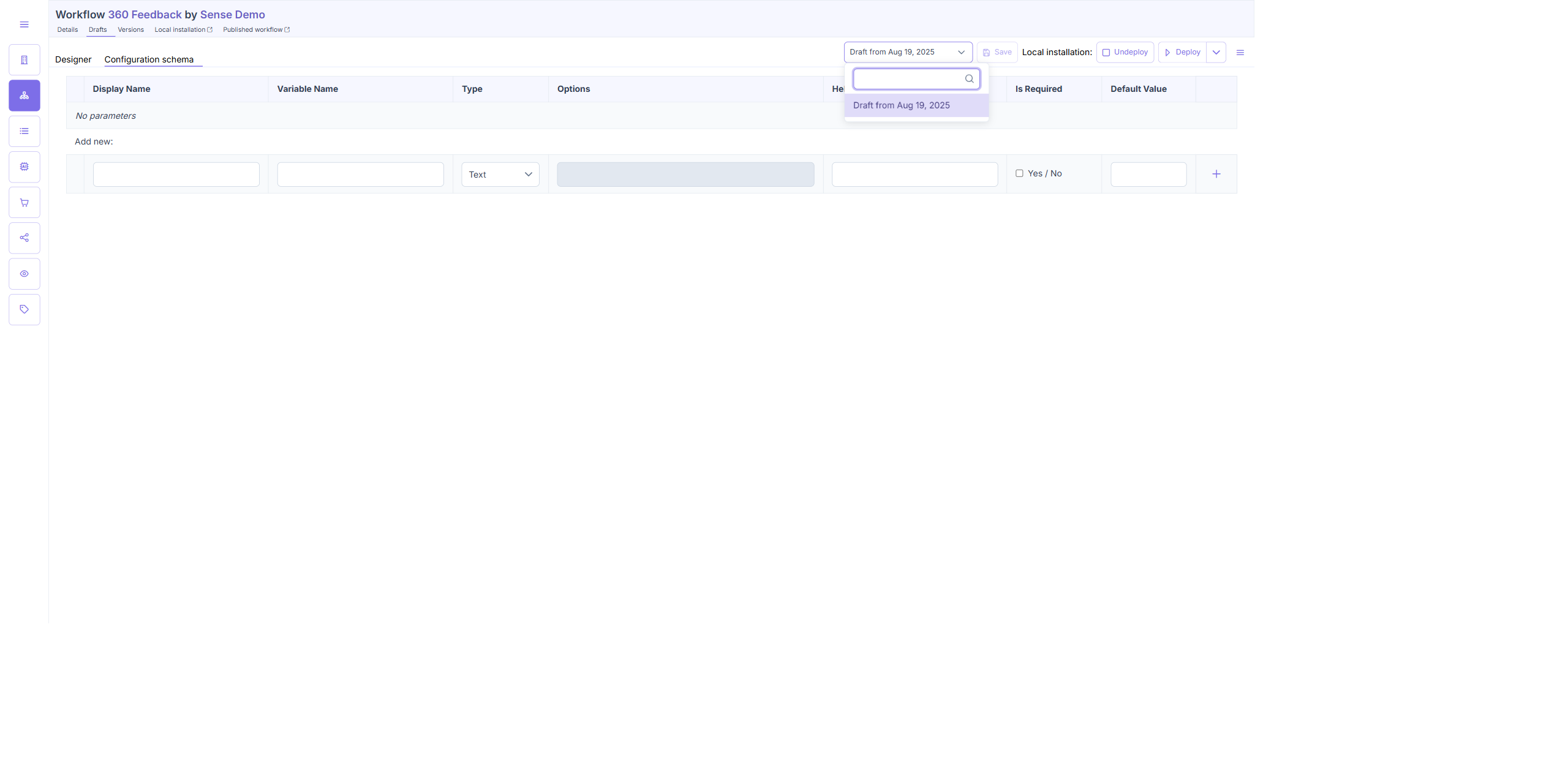
- Navigated to the Configuration schema tab (Drafts → Configuration schema sub-tab).
- Observed the "Add new:" row at the bottom of the parameter table.
- Default type (Text): Default Value field = plain
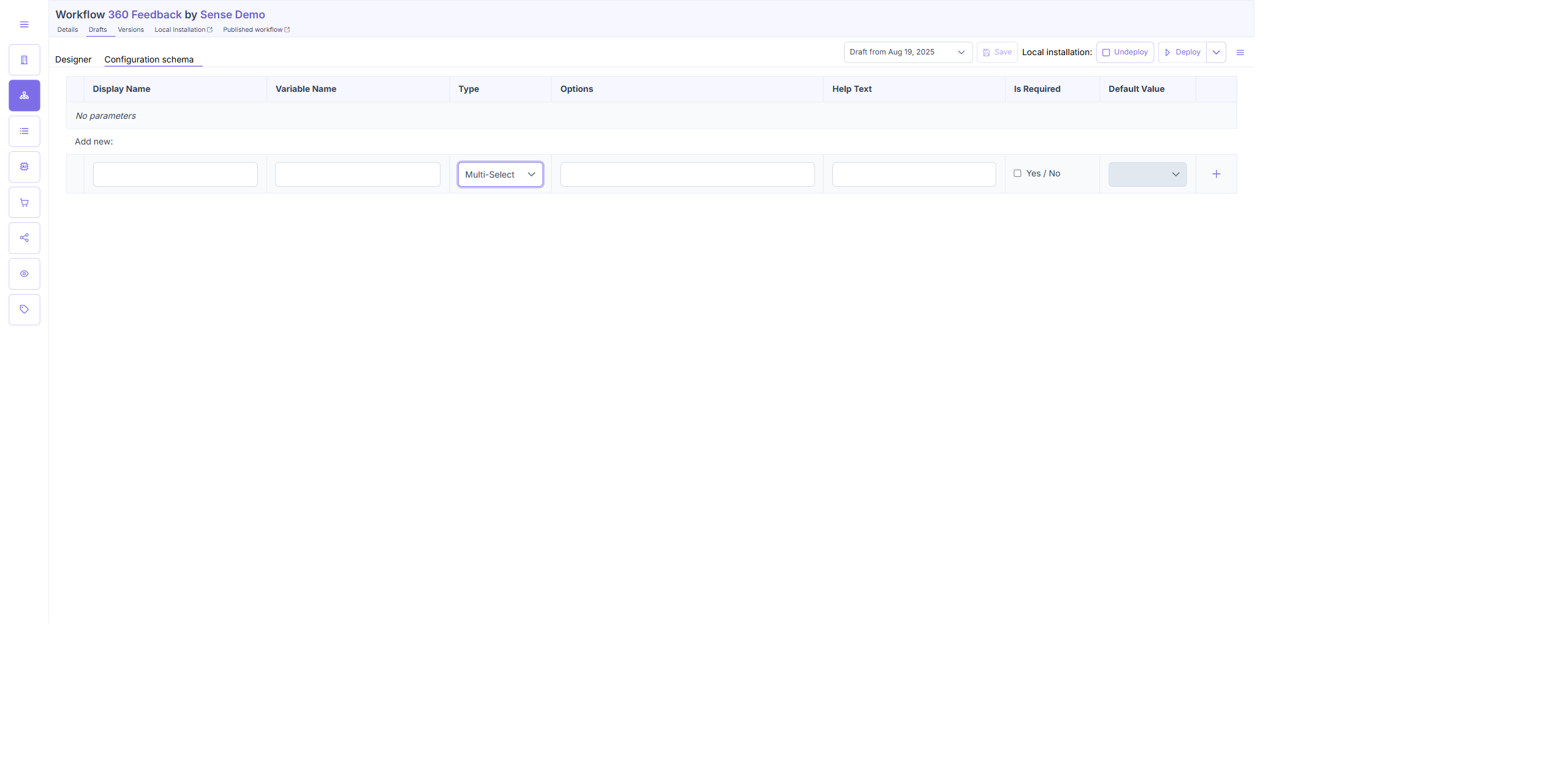
<input>(standard text input). - Changed Type dropdown to Multi-Select.
- After selecting Multi-Select: Default Value field changed to
<p-multiselect>— a chip-capable multi-select control.
DOM verification:
| Type | Default Value DOM element |
|---|---|
| Text | INPUT (plain text) |
| Select | P-SELECT (single-value dropdown) |
| Multi-Select | P-MULTISELECT (chip-based multi-select) |
Result: When parameter type is changed to Multi-Select, the Default Value field correctly switches to a p-multiselect chip control, distinct from the plain text input used for Text parameters.
TC2 — Single Select Default Value Unaffected
| Test Case | Result |
|---|---|
| Single Select Default Value Unaffected | PASS |
TC2 — Steps & Result
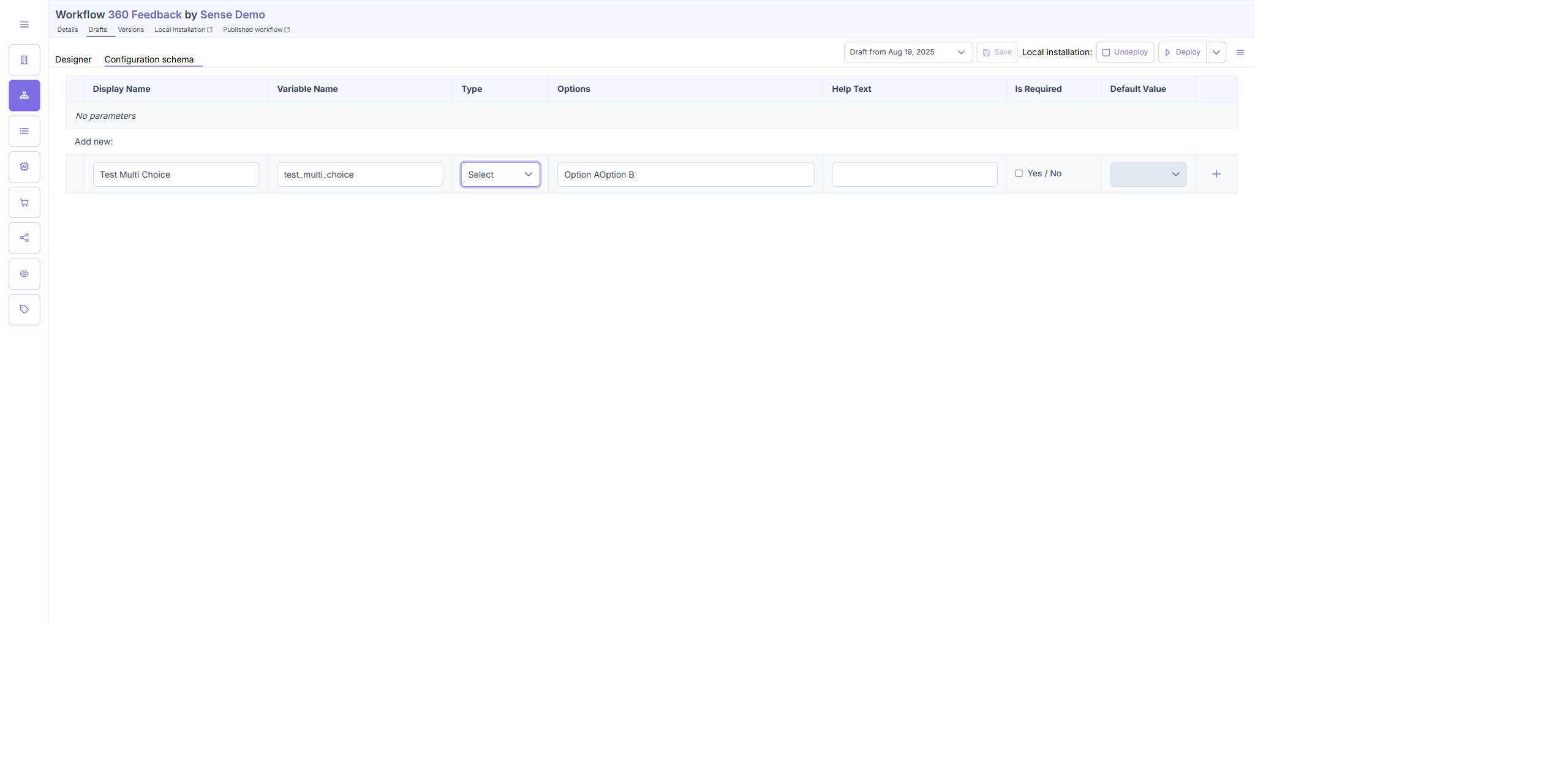
- On the same Configuration schema page, changed Type dropdown to Select.
- Observed Default Value field: rendered as
P-SELECT— a single-value dropdown selector, NOT a chip-based control. - Confirmed no
p-multiselect,p-chips, orp-autocomplete-input-multipleclasses present in the Default Value column for Select type.
Result: When parameter type is "Select" (single select), the Default Value field remains a standard single-value control (p-select dropdown) with no chip UI. The multi-select chip behaviour is correctly scoped to "Multi-Select" type only.
Screenshot Gallery
Click any image to expand. All 23 screenshots.
ENG-4938 — Category Management
ENG-5306 — Side Navigation
ENG-5307 — Multiple Choice Default Value
Conclusion
8 of 9 test cases pass. ENG-5306 (side navigation) and ENG-5307 (multi-select default value) are fully implemented and correct. ENG-4938 Category Management core CRUD (TC1–TC4) passes with one low-severity spec deviation (confirmation dialog shown for all deletes, not only categories with workflows).
- ENG-4938 TC1–TC4 — PASS: Table display, add, edit, and delete all work correctly including case-insensitive duplicate detection and cancel/confirm delete flow
- ENG-4938 TC4 — Bug (Low): Confirmation dialog shown for 0-workflow categories — spec implies prompt only when
assignedWorkflows > 0 - ENG-4938 TC5 — FAIL: Workflow search/assignment from category row not implemented in current build; recommend raising with product
- ENG-5306 TC1–TC2 — PASS: Sidebar expands/collapses correctly, all navigation items functional in both states
- ENG-5307 TC1–TC2 — PASS: Multi-Select type uses
p-multiselectchip control; Select type correctly usesp-select(single-value, no chips)